Yes, a wedding DJ without Wi-Fi can provide ceremony and reception music when tracks are stored on a laptop or other playback device. Reliable music depends on preparation, tested equipment, and backup playback, not an internet connection.
Guests can use cellular data, while vendors may have different connectivity or sound requirements. Live musicians and other vendors should confirm their setup needs; recorded music depends on preparation and testing.
Key Takeaways
- Download important songs as an offline copy before the wedding, and keep a backup on a second playback device.
- Test the playlist with internet access disabled, then check speakers, microphones, and connections.
- Keep cellular access available for occasional requests, while locally stored music supports the event.
How a Wedding DJ Prepares an Offline Music Library
Professional preparation starts with accessible music files, exact recordings for meaningful moments, and enough variety to respond to the room.
Download the Right Recordings
Build a local music library from legitimate downloads or selections from an authorized DJ record pool. Confirm that each record pool selection is saved as an accessible file, not just available through a service.
Keep the exact first dance, father-daughter dance, other parent dances, ceremony music, and wedding party introduction tracks on the playback device. A live recording may have a different opening than the studio version.
Serato can connect to Tidal, but streaming requires internet access. Serato’s Tidal FAQ explains the integration. Reliable playback without internet requires locally stored files, not a streaming-only library.
Organize Music Around Each Moment
Create a separate playlist for the ceremony, cocktail hour, dinner, and general dancing. Arrange formal selections in their exact performance order and label versions clearly.
Keep the dancing playlist flexible. Couples benefit from sharing must-play songs, preferred styles, and a short do-not-play list rather than scripting every track. A professional DJ can adjust selections as dinner timing and guest energy change.
Test Playback, Sound, and Cue Timing
Offline music solves internet dependence, but clear sound and dependable transitions still require a complete equipment test.
Run an Internet-Free Playback Test
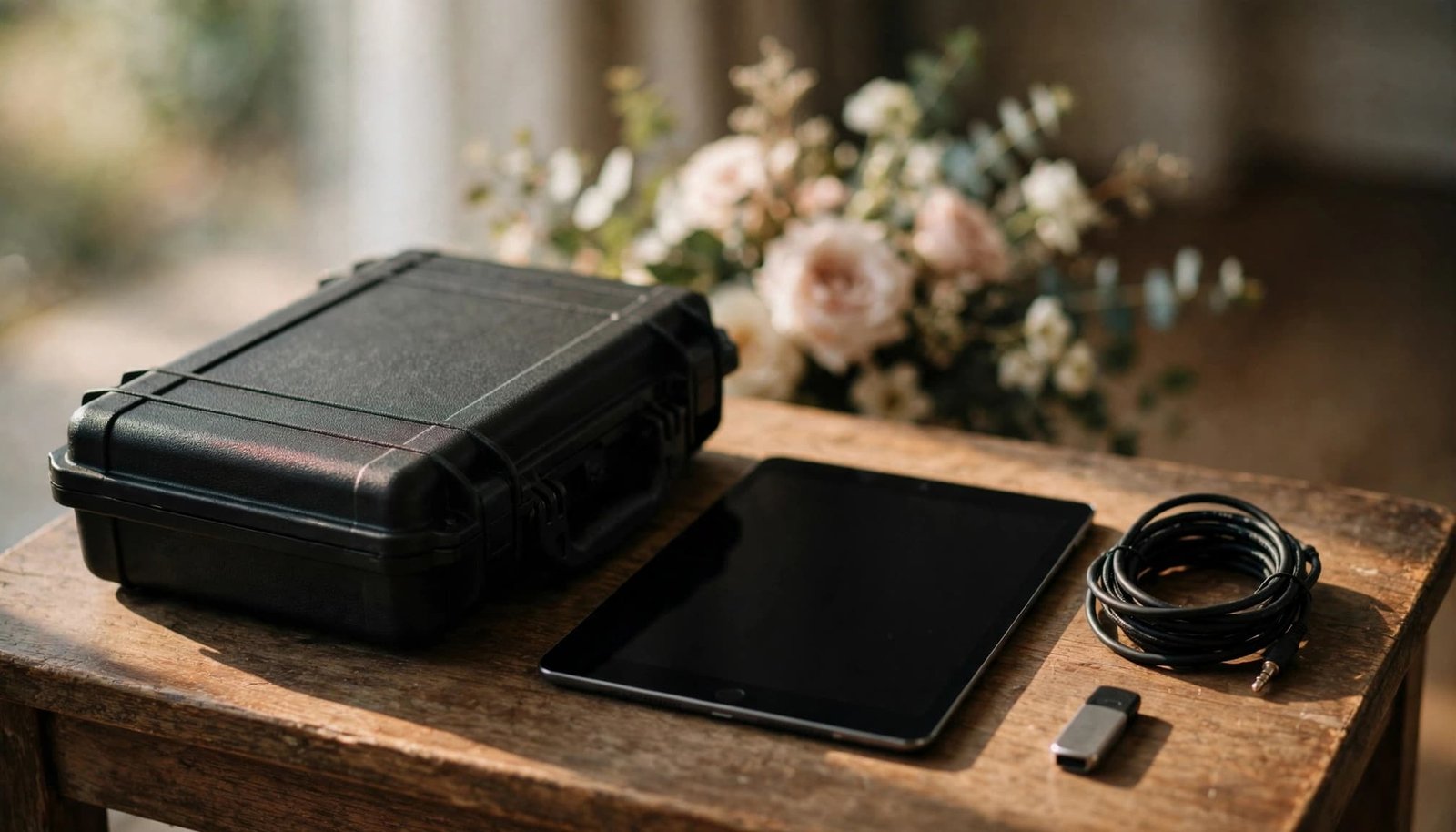
Use a dedicated laptop or tablet rather than the couple’s everyday phone or the DJ’s personal phone. Download music to a local library, then confirm the full library is available on the playback device. Put it in airplane mode and play every set in the playlist to confirm offline playback.
Connect a second playback source as a backup and practice switching to it. Ask your DJ whether the music is stored locally and which software or services need internet. Cloud folders aren’t accessible without a connection.
Assign a responsible operator to manage and secure the device. For a DIY celebration, choose someone sober who isn’t already occupied with wedding-party duties.
Rehearse Sound and Formal Cues

Test the venue sound system, microphone, and audio connections before guests arrive. Bring extension cords, charging supplies, adapters, spare audio cables, and backup batteries. A wired connection is generally more dependable than Bluetooth.
Ask the venue what sound equipment it provides and whether cellular reception or venue connectivity is available. Speakers, microphones, and audio connections don’t inherently require Wi-Fi. Coordinate any shared audio connections with live musicians.
Our wedding venue music planning guidance covers power, speaker placement, and separate ceremony and reception spaces.
Give the MC or officiant a cue sheet with each song, its starting point, and transition, including the first dance. Test crossfade with background selections, then use crossfade for continuous background music. Turn crossfade off for formal cues to prevent overlaps.
For a processional ending, lower the volume gradually before stopping playback. Pressing pause at full volume creates an abrupt halt during an important moment.
Keep a Phone Hotspot for Occasional Access
A phone hotspot can help download an unexpected request when cellular coverage is available. An unlimited data plan doesn’t necessarily include unlimited high-speed hotspot use, since carrier restrictions still apply.
Keep the connection available as a convenience, not the foundation of the reception. A rural venue, crowded network, or weak indoor signal can make a simple download unreliable.
When a requested song isn’t available, the DJ can choose a suitable alternative from the prepared library. Ceremony music and special dances should already be stored locally, never depend on a last-minute download.
Decide Between a Professional DJ and a Playlist
For a simple wedding reception, a prepared playlist from an offline music library can cover background music and straightforward transitions. This can make a reception without a DJ a practical option. Our DIY wedding music setup guidance explains the equipment and operator responsibilities involved.
A professional wedding DJ can help with multiple sound locations, formal introductions, wireless microphones, and an active dance floor. We provide music planning, ceremony and reception entertainment, and MC support for those needs.
For a beginner considering a paid wedding, base the decision on readiness. Take the lead only with tested offline playback, spare equipment, and confident cue management. If you don’t have those capabilities, skip the DJ role or assist an experienced DJ.
Frequently Asked Questions
Can a reception without a DJ use only a laptop?
A laptop can run DJ software and locally stored music without Wi-Fi, but streaming services or connected devices may need internet access. For a reception without a DJ, a laptop alone isn’t enough. Confirm with the DJ and venue that you have suitable speakers, audio connections, power, and backup playback.
Does Spotify Work With Serato?
Yes. Serato’s Spotify integration guide describes connecting a Premium account. A streaming integration or subscription download isn’t the same as an ordinary transferable local audio file.
Reliable Wedding Music Starts Before Guests Arrive
Locally stored music, tested equipment, and clear cue responsibilities mean venue Wi-Fi isn’t necessary. Backup playback protects the celebration if a device or connection fails.
That preparation keeps technical duties off the couple’s shoulders and leaves them free to enjoy the ceremony, wedding reception, and people sharing it.