A speaker entrance can feel uncertain when the introduction ends and the room waits for someone to reach the microphone. Corporate walk-on music gives that transition a clear rhythm, with a short, approved selection that supports the speaker’s arrival.
The best results come from careful coordination, including music selection, microphone readiness, and a clear signal to fade on the beat. These five keynote moments are good opportunities to add music without delaying the program or competing with the message.
Key Takeaways
- Walk-on music can give opening and closing keynotes, post-break returns, featured guest introductions, and planned presenter handoffs a clear, polished transition.
- Choose an approved excerpt that fits the speaker, audience, and event tone, and fade it before the speaker’s first words.
- Coordinate playback with speaker readiness, microphone checks, stage movement, slides, and a clear signal to start or stop the cue.
- Review music permissions for the room and separately for any recording, livestream, replay, or promotional use.
1. The Opening Keynote Entrance
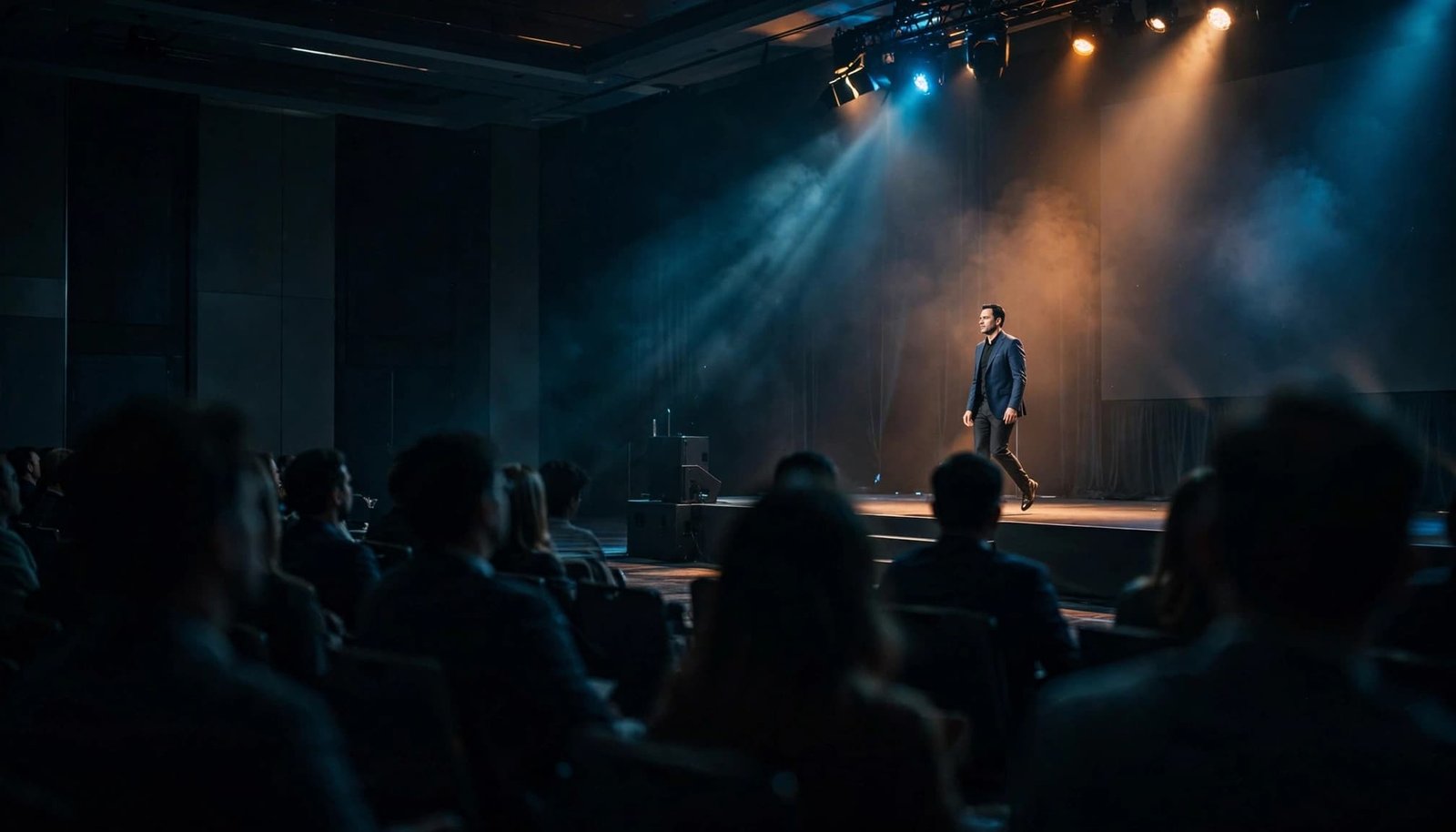
The opening keynote establishes the atmosphere for the conference. A well-timed entrance cue gives the audience time to settle into a seat. It also marks the shift from registration and conversation to the formal presentation.
Match the Opening to the Event
A leadership conference may benefit from a composed percussion track, while a sales meeting may welcome brighter pop or funk. Choose the selection that best suits the company’s culture, the speaker’s style, and the purpose of the session.
Review the actual excerpt rather than approving a song title alone. A familiar recording may begin with a long introduction or lyrics that don’t suit a professional setting. Choose a start point that gives the entrance immediate direction without creating an oversized production. Start the cue when the speaker is ready to get up and begin the walk.
Give the First Words Priority
The host’s introduction, speaker entrance, and music fade should follow one approved sequence. Confirm names, titles, and pronunciations before the program begins, along with who makes the announcement.
Prepared corporate event MC scripts help establish that handoff. Once the speaker reaches the presentation position, the music should finish before the opening words. A confident entrance loses its polish when the audience has to listen through a loud soundtrack to hear the first sentence.
2. The Return After a Scheduled Break
A keynote following lunch or a networking break has a different challenge. Attendees may still be talking, checking messages, or taking time to get up and return to their seat.
Re-establish the Session’s Energy
A short entrance cue can help attendees get back on their feet and give the returning speaker a fresh introduction without repeating the full opening production. Choose music that suits the next session rather than automatically increasing the volume or intensity.
A practical workshop may need a restrained selection. A motivational keynote may call for a little more bounce, while staying in the sweet spot between energy and volume. Consistency matters, but each session doesn’t need an identical soundtrack. The DJ and planner should review the afternoon schedule together so the music reflects the presentation ahead, not only the room’s energy during the break.
Confirm the Room Is Ready
Walk-on music should follow a readiness signal, not start because the printed agenda says the break has ended. The planner should confirm that the speaker, microphone, slides, and seating area are ready.
Keep return instructions separate from the entrance cue. Guests need to hear where to sit and when the session begins. When screens or captions are available, provide the same information visually. Music can support the transition; spoken and visual instructions should still communicate what attendees need to do.
3. A Featured Guest or Executive Introduction
A featured guest deserves an introduction that feels personalized and professional. Walk-on music can distinguish that arrival from routine announcements, particularly when the guest brings a different perspective to the program.
Start with the speaker’s preferences. Some presenters enjoy an energetic entrance, while others prefer a simple welcome and applause. Confirm their comfort level before selecting music or building lighting around their arrival.
The approved excerpt should suit the audience as well as the speaker. Employees, clients, sponsors, and leadership may share the room, so screen lyrics for references to drinking, bottles, or “bottoms up.” A clean version can remove profanity without making unsuitable themes appropriate.
Sensitive leadership updates require a different approach. Financial concerns, organizational changes, and difficult employee announcements often call for a restrained introduction or no music. Even an upbeat message such as “life is sweet” may feel out of place.
Discuss the presentation’s subject before planning the entrance. Personalized service includes knowing when a musical cue would distract from the tone the speaker needs to establish.
4. The Handoff to a Co-Presenter or Panel
A change in presenters can interrupt the flow when microphones, seating, and slides aren’t coordinated. Music can support a planned transition that requires people to enter or reposition onstage.
Use Music for a Defined Transition
A brief cue works best when there is a clear physical handoff, such as welcoming a co-presenter or having a panelist get up from a seat and join the group. It gives the audience something intentional to hear while the stage arrangement changes.
Keep the cue separate from the outgoing speaker’s final point. Let the statement and applause finish before starting the next entrance. The music should support the transition, not obscure the moderator’s first line. Rapid exchanges between people already onstage usually don’t need music. Repeated cues between every comment can make a discussion feel fragmented and slow down an otherwise comfortable conversation.
Prepare the Microphone Handoff
Decide which microphone each presenter will use and who confirms that it is ready. A music cue shouldn’t become a cover for an unplanned search for a working microphone.
Review wireless microphone planning alongside the stage layout, seating positions, and presentation order. During rehearsal, review the entrance route and keep cables clear of panelists’ feet. The DJ needs a clear fade signal, while the AV operator needs to know when the next slide or camera view begins. Shared preparation keeps the transition polished without drawing attention to the production team.
5. The Closing Keynote Entrance
The final keynote needs its own character. After several presentations, attendees benefit from a clear transition into the closing session rather than another routine announcement.
Choose music around the closing message. A celebratory recap may suit an upbeat excerpt, while a reflective presentation may call for a sweet, understated selection. The goal is to introduce the speaker with appropriate energy, not turn every closing session into a party.
Confirm whether the speaker will begin with acknowledgments, a serious observation, or a planned audience activity that asks attendees to get up. That first action affects the fade and the amount of applause space needed.
Keep closing entrance music separate from departure music. The entrance introduces the final speaker, while departure music follows the completed remarks and practical instructions. Guests should hear transportation details, reception directions, and other announcements clearly before the soundtrack returns.
That distinction helps the program finish with the same attention to detail as the opening.
Choosing Corporate Walk-On Music That Fits the Room
The best fit for the room matches the event atmosphere and speaker. Write down three to five words that describe the event, such as confident, welcoming, modern, composed, or celebratory.
Use that direction to compare selections with the speaker and company culture. A formal client conference and an employee recognition event may need different musical energy, even when both include keynote presentations.
Before approving an excerpt, check these details:
- Listen to the exact recording version and selected passage, including every lyric guests will hear.
- Choose a start point with a clear musical opening rather than waiting for a chorus to arrive.
- Check that the excerpt fits the speaker’s entrance route and ends naturally before the presentation begins.
- Approve the content and review permissions separately. A suitable song still needs appropriate usage rights.
PCMA’s guidance on music licensing at events highlights why permission deserves attention during planning. Leave time to replace a selection if clearance isn’t available.
For New Hampshire planners, DJ Steve Neff Entertainment LLC provides corporate event DJ and MC services. The Concord-based company is run by Steve Neff and Jon Turgeon, with professional DJ experience dating back to 1999. Discuss speaker cues and production responsibilities when reviewing the service scope.
Coordinate the Cue Before Guests Arrive
A song title in the agenda isn’t enough. The run of show should identify the approved file, playback point, cue owner, microphone arrangement, and planned ending.
Use one current document and one approved audio version so the DJ, host, and AV team aren’t working from different instructions. Choose one method for authorizing playback, such as a production-channel instruction or an agreed stage-side signal.
A reliable preparation sequence keeps those decisions clear:
- Confirm the speaker’s name, title, pronunciation, introduction wording, entrance route, and waiting seat. Keep cables and other obstructions clear of their feet.
- Assign one person to authorize playback and another to handle microphone readiness, if needed.
- Rehearse the excerpt, including the actual time from when the speaker needs to get up to when they start walking, plus the introduction, slides, and fade.
- Establish what happens when the speaker is delayed or the preceding presentation runs long.
Cue length should follow the real entrance. Short award-recipient walk-ups often need only 10 to 20 seconds, but that guidance shouldn’t automatically determine a keynote entrance.
A longer route or accessibility requirement needs its own rehearsal. Follow the actual handoff rather than a clock that keeps running after the schedule changes.
The DJ and AV coordination checklist also helps clarify presentation playback and final testing responsibilities. Confirm a backup playback option and who can stop the music immediately if the speaker begins earlier than expected.
Check Music Rights for the Room and Recording
Corporate walk-on music may be heard in the ballroom, captured by cameras, and included in a replay. Those uses need separate review before event day.
ASCAP’s music licensing FAQs explain that permission from one performing rights organization covers the music that organization represents. BMI’s business licensing information describes coverage for its represented works. Neither should be treated as automatic permission for every recording or event use.
Ask the venue which catalogs and uses its licenses cover, then document who handles any gaps. A personal Spotify or Apple Music subscription isn’t the same as a commercial event license.
Permission to play music in the room doesn’t automatically authorize that recording in a livestream, replay, or promotional clip.
Map the planned recording and distribution uses with the producer and legal team. If event footage may be reused in a music video or official music video, review rights for that specific use. Music paired with video may require permission for the composition and the specific sound recording.
Original or production music with clearly documented commercial video rights can simplify the review. Check the scope rather than relying on a “royalty-free” label, and retain licenses, approval emails, invoices, and the final cue sheet.
Frequently Asked Questions
When should a corporate keynote use walk-on music?
Music can help mark an opening or closing keynote, a speaker’s return after a break, a featured guest introduction, or a planned handoff to a co-presenter or panelist. Use it when it supports the program rather than interrupting a serious message or routine exchange.
How long should keynote walk-on music play?
The cue should match the actual entrance route and end before the speaker begins speaking. Rehearse the timing instead of relying on a fixed duration, especially if the route, stage setup, or accessibility needs affect the entrance.
How do you choose appropriate walk-on music?
Choose a specific recording and excerpt that suit the speaker, company culture, audience, and subject of the presentation. Review every lyric guests will hear, and consider a restrained introduction or no music for sensitive leadership updates.
What should be included in a walk-on music cue plan?
The run of show should identify the approved audio file and playback point, who authorizes the cue, the entrance route, microphone arrangements, and the planned fade. Rehearse the handoff and agree on what to do if the speaker or preceding presentation is delayed.
Does a venue’s music license cover event recordings?
Not necessarily; permission to play music in the room doesn’t automatically cover a livestream, replay, or promotional clip. Ask the venue what its licenses cover and review any additional recording and distribution uses with the producer or legal team.
A Polished Entrance Starts With a Shared Plan
Walk-on music works well when it fits the speaker, supports the occasion, and finishes before the message begins. The selection matters, but dependable cueing and microphone coordination give the entrance its professional finish.
Review the five moments with your speakers, DJ, host, and AV team, then approve only the cues that serve the program. The best cue supports the speaker and ends before the message begins. A shared, rehearsed plan turns an uncertain walk to the microphone into a confident start.