A corporate event can sound excellent in the ballroom while remote attendees struggle to hear the same presentation. Reliable hybrid event audio requires two listening experiences, with separate control over room sound and the feed sent online.
For hybrid events and hybrid meetings, your DJ, venue AV team, and streaming provider need a shared plan for microphones, music, presentation playback, and remote contributions. Start with clear responsibilities, then coordinate one audio ecosystem that delivers clear audio quality in the room and online.
Key Takeaways
- Plan for two separate listening experiences: the room mix and an independently controlled feed for remote attendees.
- Agree on audio responsibilities, signal routing, show cues, and pause authority with the DJ, venue AV team, and streaming provider before event day.
- Use suitable microphones for each speaking moment, and make audience questions audible to both in-room and remote participants.
- Rehearse the complete program with an off-site listener monitoring the live feed; check speech, music, echo, latency, and video synchronization.
- Prepare backups and a calm troubleshooting plan so the team can isolate problems without disrupting audio that is working.
Define Audio Responsibilities Before Choosing Equipment
Professional coordination begins with one current run of show. For hybrid meetings, include each presenter, microphone assignment, video cue, walk-on track, remote handoff, and audience question period.
Name who supplies and operates each piece of audio equipment, and who supports presenters. The DJ may provide music, announcements, and microphones; the venue technician may control the installed sound system and conference speakers. Confirm who provides hybrid meeting equipment. A streaming operator may manage live streaming and monitor remote audio.
DJ Steve Neff Entertainment LLC provides corporate event music and hosting, professional sound, and event-flow coordination. For hybrid programs, confirm how custom audio solutions fit the wider audio ecosystem, then agree on responsibilities with every production partner before booking.
Ask who approves connections to house equipment, who handles presentation audio, and who can pause the program. Confirm that the video switcher operator coordinates cues with the audio team.
Give one show caller final authority over stage cues. That keeps introductions, microphone handoffs, and remote participation organized throughout the event.
Route Hybrid Event Audio for Two Audiences
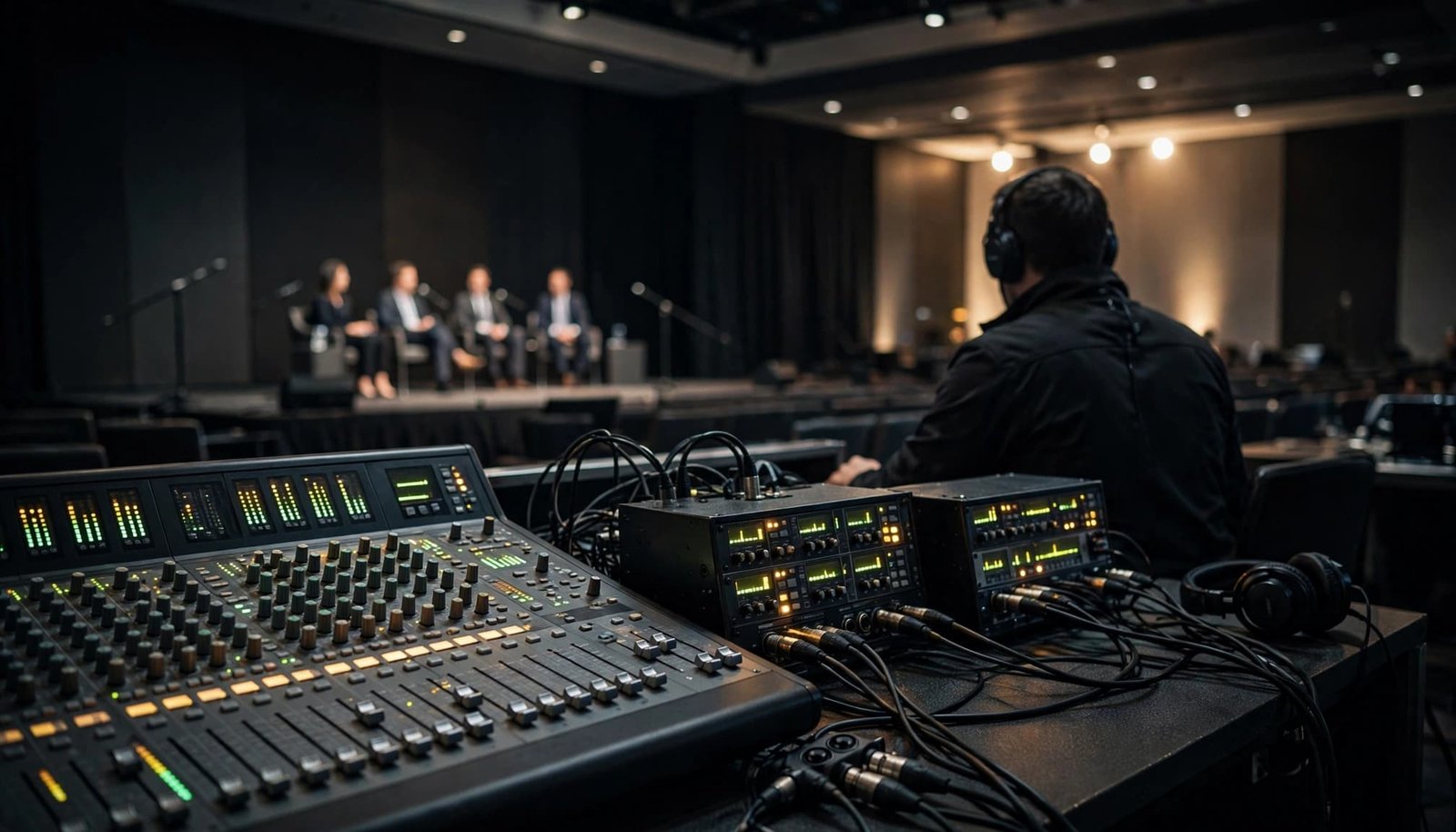
Create an Independent Remote Feed
The room speakers and online audience need different mixes. Music that feels comfortable during dinner can overpower speech in a remote listener’s headphones.
Use a dedicated auxiliary bus or independently controlled output from the audio mixer for the platform feed. A pre-fader send can keep room-level adjustments separate.
Set input gain before adjusting bus levels, then check the meters on both paths. On the mixing console, confirm how channel mutes and processing affect the outgoing feed.
Document how each source moves through the audio ecosystem before rehearsal.
| Audio source | Room speakers | Feed to remote participants |
|---|---|---|
| Presenter microphones | Yes, as needed | Yes |
| DJ music and video playback | Yes | Yes, at controlled levels |
| Remote speaker return | Yes | No, exclude their own return |
| Audience Q&A microphone | Yes, as needed | Yes |
The remote feed should remain clear when room volume changes. Test both outputs rather than assuming the mixer configuration handles them correctly.
Prevent Electrical and Acoustic Echo
Mix-minus routing sends remote participants the program audio without sending their own voices back to them.
That removes an electrical return loop. However, a room microphone can still pick up a remote voice playing through the loudspeakers.
Acoustic echo cancellation, often handled by a conferencing processor or platform, addresses that speaker-to-microphone pickup. Shure’s conferencing audio solutions cover equipment designed for two-way meeting audio.
Keep unused microphones muted and place loudspeakers away from microphone pickup areas. Check feedback and echo separately, and don’t disable echo control across the system simply because music sounds restricted. Test a suitable configuration for speech and playback.
A correct mix-minus feed can still produce echo if room microphones pick up the remote speaker through the PA.
Choose Microphones for Every Speaking Moment
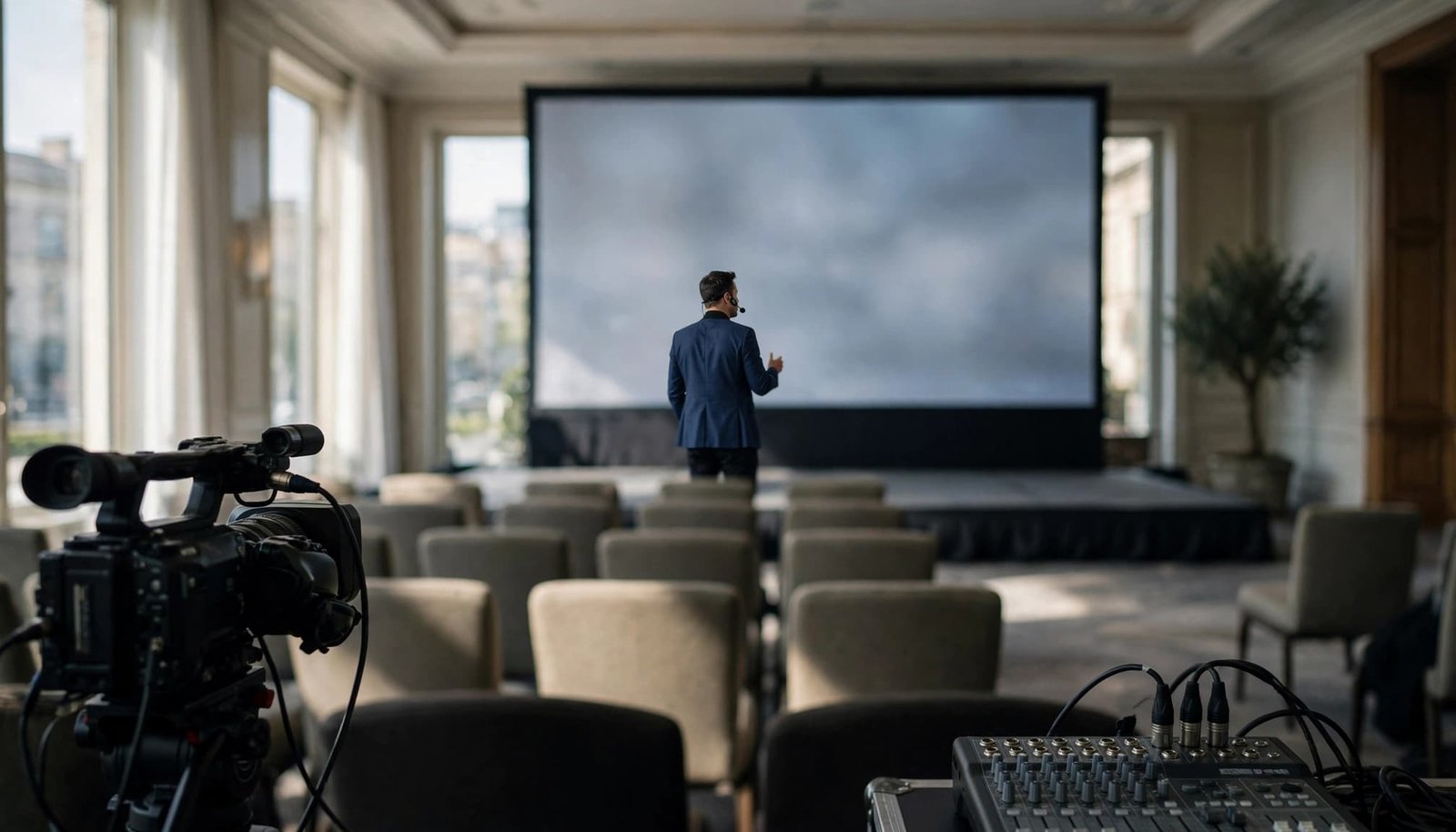
Match the Microphone to the Presenter
A headset keeps the microphone close to a moving keynote speaker’s mouth, making it a good fit for conference speakers who move. A lavalier offers a discreet appearance, but placement needs attention.
Test lavaliers against clothing, necklaces, hair, and normal movement. Fabric noise that seems minor in the room can be distracting online.
A lectern microphone suits stationary remarks. Handheld microphones work well for introductions, awards, and moderated discussions when speakers understand where to hold them.
Shure’s rental and event microphones include equipment intended for event production. Choose by speaking position and venue coverage, and consider wireless requirements when selecting wireless microphones.
Make Audience Questions Part of the Feed
Remote participants shouldn’t hear an answer without hearing the question. Provide a dedicated audience microphone to support audience engagement, and assign someone to move it between participants.
For panels, allocate enough microphones to avoid awkward sharing and delayed responses. Keep unused channels muted until needed.
Coordinate wireless frequencies with venue AV, particularly in hotels hosting several events. Test range, batteries, mute switches, and presenter movement. Keep a wired handheld microphone ready as a practical backup.
Adapt Speaker Placement to the Venue
Hard floors, glass walls, and high ceilings affect room acoustics, making voices sound distant or reverberant. Raising the volume often adds more reflected sound without improving clarity.
Aim speakers toward listeners and away from reflective surfaces where possible. Use close microphone placement and venue-approved acoustic treatments when the room needs them.
Walk the front, sides, and rear during soundcheck. Listen for speech clarity, uneven coverage, and excessive music volume. Recheck levels after guests arrive because an occupied room sounds different.
Outdoor tents need a different assessment. Check wind exposure, rain protection, nearby generators, background noise, and weather-rated electrical arrangements. Fit appropriate microphone windscreens and confirm the venue’s weather shutdown procedure.
Keep cables outside guest pathways whenever possible. Use approved cable ramps for necessary crossings, and never obstruct exits or accessible routes.
Adjacent breakout rooms also need a simultaneous test. Partitions may separate sightlines without stopping amplified speech or reception music.
Choose Hardware and Staffing by Program Complexity
For hybrid meetings, an equipment proposal should explain the signal path, operator responsibilities, and backup coverage, including any custom audio solutions. More microphones and larger speakers don’t automatically improve the remote experience.
Compare packages by the work they support and how each part of the audio ecosystem fits together.
| Program scope | Practical audio approach | Main budget consideration |
|---|---|---|
| Small hybrid meeting | Room audio device, suitable microphones, tested platform connection | Existing equipment compatibility |
| Presentation with DJ cues | Mixer with separate sends, USB interface, dedicated monitoring | Routing capability and operator time |
| Ballroom with panels and remote speakers | Multibus console, coordinated wireless systems, conferencing processing | Rehearsal, staffing, and redundancy |
An audio mixer handles independently controlled sends; an audio interface connects the production signal to a computer. An interface doesn’t automatically provide mix-minus routing or echo cancellation, so those functions must exist elsewhere in the system.
Fixed-room products such as the Shure Stem Ecosystem suit compatible meeting-space applications. Shure’s meeting-room microphone options illustrate the distinction between hybrid meeting equipment and portable event production.
Request itemized pricing for equipment, setup access, rehearsal, technicians, overtime, backups, and acoustic treatments. For presentation playback, confirm the video switcher’s timing and cue coordination with the audio team. A DJ handling live introductions and music may need a separate operator to monitor the platform throughout a complex program.
Protect speech coverage and technical staffing before spending on optional enhancements.
Prepare DJ Music and Conferencing Settings Together
Keep Music Under Control Online
For hybrid meetings, check walk-on music, awards cues, and background tracks at their own remote levels. Set music below speech during introductions, then check the transition through conference speakers and in the online mix.
During video conferencing, software may suppress sustained music because it’s designed primarily for conversation. Test its music or original-audio settings with the actual mixer, interface, and echo-control arrangement.
Check permissions before live streaming commercial recordings. In-room playback doesn’t automatically cover online transmission, so confirm applicable rights and platform rules.
Keep approved playback available locally rather than relying entirely on venue Wi-Fi. Have a second tested playback source ready, and check that hybrid meeting equipment is set up for local playback.
Prepare Remote Speakers as Carefully as Local Presenters
Ask remote presenters to use headphones, a close microphone, and a quiet room. Shure’s home-office microphone guidance offers options for clear speech for remote participants.
Select the intended audio interface and input in the conferencing platform. Disable unintended laptop or room microphone inputs that could create a second audio path.
Test internet connectivity and a remote handoff with the presenter whenever possible. Platform delays can make interruptions awkward, so give each speaker a clear introduction and pause briefly before responding.
Rehearse the Complete Program Before Doors Open
A useful soundcheck follows the event schedule, tracing the full audio ecosystem rather than testing hybrid meeting equipment in isolation. Bring in an off-site tester to hear the live streaming feed as a remote attendee and report audio quality.
Use this sequence for the technical rehearsal:
- Test every microphone with its assigned speaker. Check gain staging at the mixing console, movement, mute controls, battery status, and the wired backup.
- Play introductions, walk-on music, award cues, and presentation videos through the actual production connections. Confirm platform input selection at the video switcher.
- Rehearse an audience question and a remote speaker response for hybrid meetings. Check room levels through the conference speakers and stream levels on the online feed.
- Check for latency issues and video/audio synchronization using recorded speech or playback through the actual production path. Adjust the production system if they don’t match.
- Walk the room and have the remote tester report unclear speech, music imbalance, interruptions, or echo.
The operator should monitor the online feed through headphones on a separate receiving device. Keep that device’s microphone and speakers disabled to prevent another loop.
Allow buffer time around meals, awards, and presentation changes. Hold a final 10-minute team meeting before guests arrive to confirm microphone locations, opening cues, communication methods, and pause authority.
Use a Calm Troubleshooting Plan During the Event
In hybrid meetings, a prepared response keeps technical problems from becoming confusing stage moments across the audio ecosystem. The show caller should coordinate any hold while the audio operator isolates the room path from the online path.
Follow a short diagnostic order:
- Identify whether the problem affects the room, remote participants, or both. Ask the remote monitor or technical support for a clear description.
- For a silent remote feed, check console meters, bus assignments, interface connections, and the conferencing platform’s selected microphone input.
- If callers hear themselves, check that their return is excluded from the outgoing bus. Then inspect room microphone pickup and feedback and echo settings.
- For squealing feedback, mute or lower the affected microphone and correct its position relative to the loudspeaker.
- For network failure, confirm internet connectivity and switch to a pretested backup connection if available. Let the remote producer communicate the interruption.
Don’t reconnect multiple devices at once. A single controlled change makes it easier to identify the fault without disrupting working audio.
Keep spare batteries, cables, adapters, a wired microphone, and backup playback near the production position. If the stream can’t recover promptly, the show caller should decide whether to pause or continue with an agreed recording plan.
Frequently Asked Questions
Why does a hybrid event need a separate remote audio feed?
Room speakers and online listeners need different audio levels, so changes to the room mix shouldn’t make speech unclear online. A dedicated auxiliary bus or independently controlled mixer output lets the team adjust the remote feed separately.
What is mix-minus, and does it prevent all echo?
Mix-minus keeps remote participants from hearing their own audio returned through the outgoing feed. It doesn’t prevent acoustic echo if room microphones pick up remote voices playing through the loudspeakers, so echo control and speaker placement matter too.
Which microphones work best for hybrid events?
Choose based on how each person will speak: headsets suit presenters who move, lectern microphones work for stationary remarks, and handhelds are useful for introductions and audience questions. Test placement, movement, wireless range, and batteries before the event.
How should the team test hybrid event audio?
Rehearse the full program using the actual microphones, playback connections, mixer routing, and conferencing platform. Have an off-site tester listen to the live feed and report problems with speech, music, echo, or synchronization.
Who should monitor the online audio during the event?
Assign an audio operator to monitor the remote feed through headphones on a separate receiving device, with that device’s microphone and speakers disabled. The show caller should coordinate any hold while the operator checks whether a problem affects the room, the online feed, or both.
Clear Audio Starts With Shared Preparation
Reliable hybrid event audio gives remote attendees clear access to speakers, questions, and program cues. Separate routing, suitable microphones, and a complete rehearsal support audio quality at hybrid events and hybrid meetings.
Ask your DJ, venue AV lead, and streaming provider to confirm one shared audio plan and any custom audio solutions before event day. When responsibilities and backups are clear, the team can focus on a polished program and comfortable guest experience.