An employee town hall should leave people remembering the message, not struggling to hear it. Thoughtful corporate town hall music creates a welcoming atmosphere, gives transitions polish, and keeps clear communication at the center of the program.
For communications teams, HR leaders, and event planners, that means coordinating music with microphones, presentation audio, and speaker timing. Start with the meeting’s purpose, then build a reliable sound plan around the moments that need energy and the moments that need silence.
Key Takeaways
- Keep arrival and break music comfortable for conversation; pause playback for employee updates and audience questions.
- Approve exact song versions, short transition cues, and one company contact who can authorize changes.
- Rehearse microphones, presentation audio, and remote listening together rather than checking each system separately.
- Confirm music permissions for the room, livestream, recording, and promotional content before event day.
Choose Corporate Town Hall Music That Fits Your Employees
A focused soundtrack begins with a clear brief. Describe the desired atmosphere in three to five words, such as welcoming, composed, current, and professional.
Select Understated Music for Arrival
Lyric-free piano, acoustic guitar, mellow electronic selections, and restrained lo-fi tracks are useful starting points. They provide a comfortable background while employees find seats, greet colleagues, and prepare for the meeting.
Review the arrangement as well as the genre. Dramatic builds, heavy bass, sudden percussion, and recognizable singalong melodies can draw attention even without vocals. Keep the sequence consistent rather than moving between sharply different styles.
For a more contemporary sound, preview selections by GoGo Penguin or El Michels Affair. Approve individual tracks rather than treating an artist’s entire catalog as suitable background music.
Set Workplace Standards Before Requests Begin
Clean edits help, but removed profanity doesn’t make every song appropriate. Review the exact recording for sexual content, political themes, alcohol references, and lyrics that conflict with the meeting’s message.
Give the DJ approved styles, a short do-not-play list, and one final approval contact. Employee preferences can inform the soundtrack without turning a leadership update into an open-request session.
Detailed music planning for corporate meetings helps connect those preferences with the audience and schedule. The final brief should leave room for professional judgment while keeping workplace standards clear.
Match Music to the Employee Update Schedule
The soundtrack works best when each cue has a defined purpose. A quarterly business review needs different pacing than an employee recognition segment.
Use the agenda to assign music and silence deliberately.
| Meeting Moment | Music Direction | Production Priority |
|---|---|---|
| Employee arrival | Calm, lyric-free selections | Comfortable conversation |
| Opening welcome | Brief approved cue | Fade before the first words |
| Leadership updates | Silence | Clear speech and presentation audio |
| Recognition | Short celebratory excerpt | Match introductions and applause |
| Employee Q&A | Silence | Keep every question audible |
| Closing and departure | Warm, upbeat background | Allow colleagues to reconnect |
The strongest plan protects speaking time while giving the opening, recognition, and closing their own character.
Keep Walk-On Cues Brief and Flexible
A recognition cue may need only 10 to 20 seconds. Select the starting point, ending point, and fade before rehearsals rather than playing a full song.
The corporate event run of show should identify who gives the playback signal and what happens if a speaker arrives late. Follow the actual handoff, not a clock that continues after the agenda changes.
Protect Serious Updates and Open Questions
Financial concerns, organizational changes, and sensitive employee announcements usually need a restrained opening and an unaccompanied presentation. An upbeat track can feel out of step with the subject.
During Q&A, keep music off through pauses and follow-up questions. Employees need time to gather their thoughts without a musical cue suggesting that the discussion has ended.
A pause during employee Q&A isn’t an automatic music cue. Wait for the moderator’s confirmed transition.
Prepare Microphones, Playback, and Presentation Audio Together
Reliable sound management makes music easier to control and employee updates easier to follow. The DJ, venue, and AV provider should agree on responsibilities before equipment arrives.
Check Coverage Throughout the Room
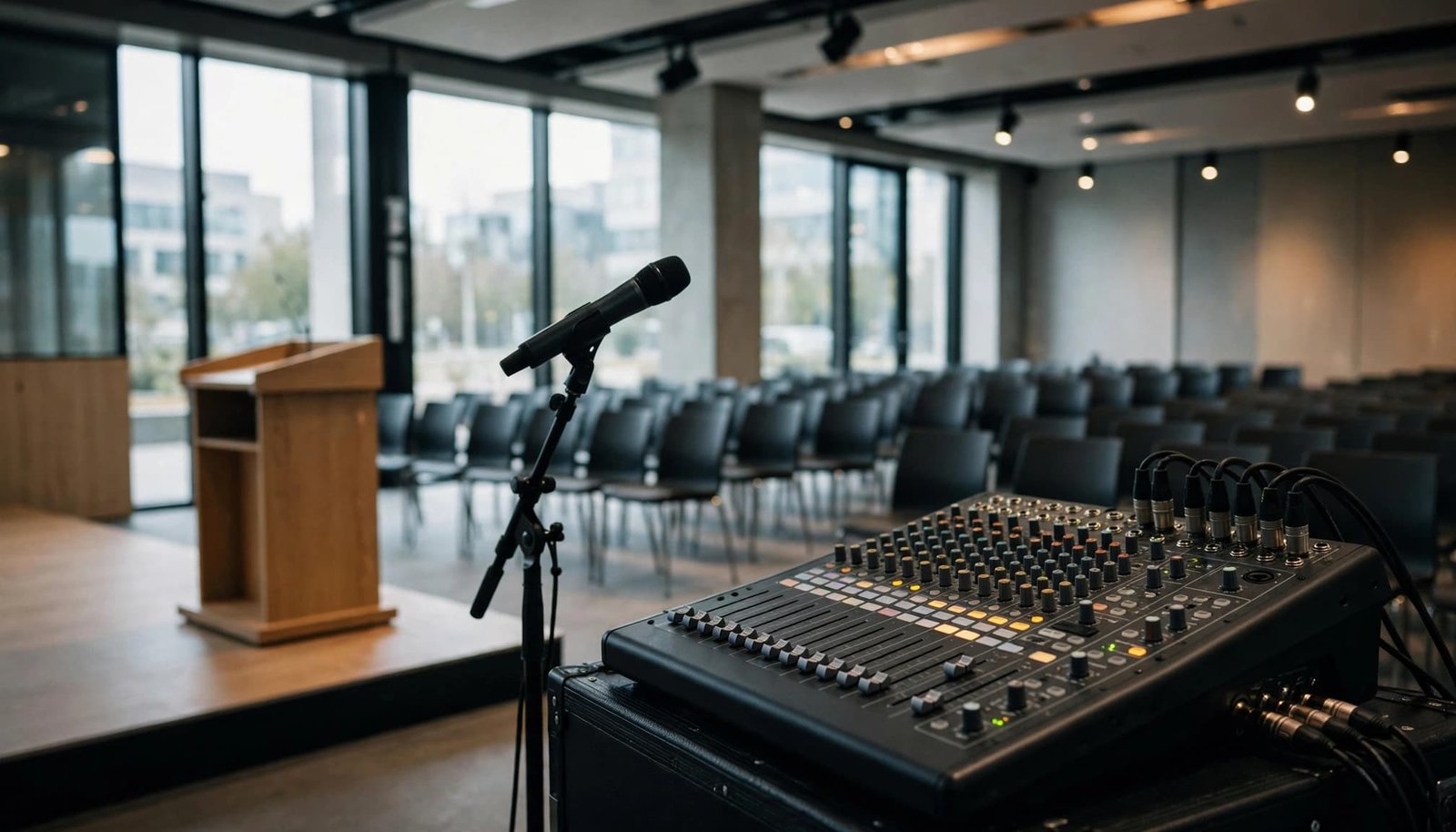
Test speech at the lectern, from a handheld microphone, and from any audience-question position. Listen from the rear seats and room edges, not only beside the mixing console.
Music that sounds comfortable near the stage may feel different elsewhere. Adjust speaker placement and levels before raising overall volume; stronger coverage doesn’t always require louder playback.
Confirm microphone handoffs, presentation-video levels, and a fallback if playback stops. Clear corporate DJ and AV coordination helps prevent competing audio sources and unexpected changes during the program. Assign one operator to manage music fades while another handles presentation playback when the production requires separate roles.
Rehearse the Complete Speaker Handoff
Run the opening exactly as planned: music plays, the presenter approaches, playback fades, and the microphone becomes the primary sound. Repeat that process for recognition segments and closing remarks.
For Teams productions, Microsoft’s town hall hosting guidance includes preparing with presenters in the green room. Use that preparation time to confirm cues and responsibilities before attendees see the program.
Make the final rehearsal a complete handoff between people and systems. A successful microphone test alone won’t reveal a presentation clip that plays too loudly.
Give Remote Employees a Separate Listening Check
Hybrid town halls have two listening environments: the meeting room and the online audience. A balanced room doesn’t automatically produce a balanced stream.
Microsoft describes Teams town hall features as designed for sharing content with large audiences. Whatever platform you choose, confirm how microphone audio, music playback, and presentation videos reach employees online.
Assign someone outside the room to listen through the attendee experience using headphones. Ask them to check speech clarity, cue volume, video sound, and any sudden changes between segments.
Where the production setup allows, send approved playback directly into the streaming system rather than relying on a room microphone to capture it. Captions should be available and checked; they don’t replace clear audio.
Remote employees also need clear transitions. Have the host announce breaks and return times verbally instead of relying on music to communicate the schedule.
Decide whether arrival and departure music belongs in the stream at all. Room playback and online playback can follow different plans when permissions or listening needs differ.
What Historic Performance Venues Teach Corporate Planners
A corporate town hall is an employee meeting; The Town Hall in New York City is a named performance venue. The distinction matters when discussing venue arrangements and event production.
The New York Landmarks Conservancy’s account of The Town Hall’s origins describes construction between 1919 and 1921 by the League for Political Education.
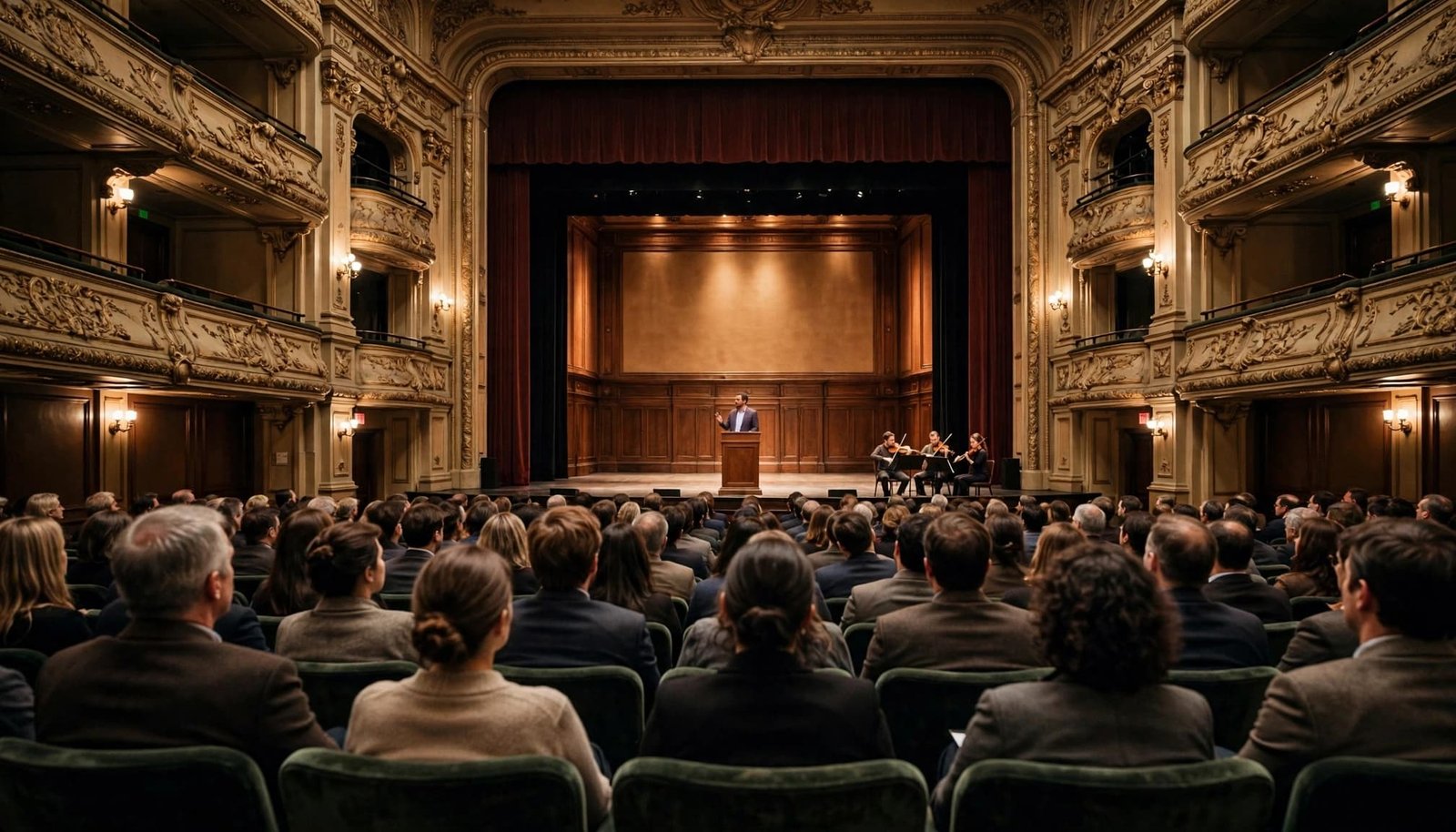
When considering a historic venue, ask whether a historic landmark designation affects sound connections, technical staffing, stage access, or setup restrictions. Concert capability alone doesn’t establish whether a space suits employee presentations or hybrid broadcasts.
If live music or another musical performance is included, musicians need the same start, stop, and transition instructions as the DJ. Keep the performance within a defined arrival or recognition segment so leadership updates retain their allotted time.
Confirm current capacity, rental availability, and production requirements directly with any venue under consideration.
Confirm Music Permissions for Every Planned Use
Music access and music permission are separate planning items. A personal streaming subscription doesn’t automatically authorize organizational playback, recorded video, or online distribution.
ASCAP’s music licensing FAQs explain that ASCAP licenses public performances of its members’ musical works. Whether a particular event needs additional coverage depends on its circumstances and existing permissions.
Ask the venue what coverage applies to the event, spaces, and music being used. Then document who is responsible for any additional permissions.
Review the livestream, archived replay, recap video, and social clips separately. Public-performance coverage doesn’t automatically authorize pairing music with video or using a particular sound recording. Synchronization and master-recording permissions may require separate review.
Production music can simplify planning when its license clearly allows the intended commercial, online, and recorded uses. Check the actual terms rather than relying on a “royalty-free” description.
Keep approvals, licenses, invoices, and cue records with the event file. If a selection isn’t cleared for the replay, arrange a permitted replacement or remove it before publishing. Assign that responsibility before recording begins.
Choose Professional Support That Matches the Program
A small internal meeting with one microphone and a straightforward agenda may work with an approved playlist and a dedicated operator. Larger town halls often need more coordinated DJ, MC, sound, and presentation support.
When comparing proposals, look beyond an hourly rate. Request a written scope covering setup, rehearsal, microphones, music cues, announcements, backup arrangements, and coordination with the venue or AV team.
Pricing should reflect those responsibilities, staffing, equipment requirements, and event duration. Ask whether rehearsal time, additional microphones, travel, and recording support are included or quoted separately.
DJ Steve Neff Entertainment LLC offers corporate event DJ services in New Hampshire, including music planning, professional sound, MC services, and event-flow coordination. The company has provided professional DJ entertainment since 1999; it began in Maine and is now based in Concord, New Hampshire.
Steve Neff and business partner Jon Turgeon run the company, with services spanning corporate events, weddings, school dances and proms, private events, and other celebrations.
For an employee town hall, discuss presentation requirements early. Confirm what the DJ will manage, what the AV provider will manage, and who approves show-day changes. A dependable provider should explain those boundaries clearly and tailor the service to the meeting.
Frequently Asked Questions
Should music play during leadership updates?
Pause music during leadership updates and employee Q&A so speech remains clear and employees can follow the discussion. Use music for arrival, brief transitions, recognition, and departure instead.
What music works best for a corporate town hall?
Choose understated, lyric-free selections that support conversation without drawing attention. Review the exact tracks for workplace suitability, arrangement, and volume.
How should we manage music for remote employees?
Check the attendee experience separately from the room, using someone outside the venue to listen through headphones. Confirm that speech, music, and presentation audio are balanced in the stream, and decide whether music should be included online.
Does a personal streaming subscription cover music at a town hall?
Not necessarily; personal access doesn’t automatically authorize organizational playback, livestreaming, or recorded video. Confirm the permissions that apply to each planned use with the venue or appropriate rights holders.
Keep the Message at the Center
A well-planned soundtrack gives employees a welcoming arrival and polished transitions while protecting the clarity of leadership updates. Reliable preparation matters more than a long playlist.
Build the soundtrack around the agenda, approve the exact selections, and rehearse the complete audio handoff. Keep serious updates and employee questions free of competing music.
When the DJ, communications team, and AV provider share one plan, the meeting feels organized and professional. Employees can concentrate on the information they came to hear.