A speaker who reaches the stage before the microphone is ready can make a polished program feel uncertain in seconds. A clear speaker-handoff checklist keeps the DJ, planner, presenter, venue, and AV team working from the same plan.
Corporate presentations need more than good music. Even a holiday party requires clear sound, accurate introductions, controlled timing, and someone who knows when to start, fade, pause, or hold the next cue.
Use this checklist before doors open, during each speaker transition, and whenever the program changes.
Corporate Event DJ Checklist: Key Takeaways
A professional speaker handoff starts long before the introduction. The run of show should identify the speaker, microphone, walk-on cue, final signal owner, and next action.
Keep these points in front of the event team:
- Assign every presentation cue to a named owner, such as the planner, DJ, host, AV operator, or event producer.
- Have the planner confirm speaker names, titles, pronunciations, entrance routes, and approved introduction language before guests arrive.
- Test each microphone with the presenter expected to use it whenever possible.
- Ask the AV team to keep spare microphones, batteries, cables, and a backup audio source nearby.
- Give the presenter a clear stand-by signal and confirm who gives the final go-ahead.
- Write a backup plan for a failed microphone, missing presenter, late video, or delayed start.
- Build five to 10 minutes of flexibility around major presentations, awards, meal service, and formal transitions.
- Use one simple “stand by” and “go” signal throughout the program, rather than relying on guesses or gestures.
A cue without a clear owner can leave several capable people waiting for someone else to act.
Start With a Shared Run of Show
The run of show is the working document that keeps a corporate presentation moving. Share the event timeline with the planner, DJ, host, venue contact, caterer, and AV team before the event begins.
A line that says “CEO remarks” isn’t enough. A useful line explains who introduces the CEO, which microphone is live, whether walk-on music plays, who advances the slides, and who tells the DJ when the remarks are complete.
The technical rider should identify microphone inputs, playback sources, stage layout, and power requirements. Include these details before vendors begin setup.
Confirm the Final Agenda and Speaker Details
Review the final agenda early in the day. Confirm the speaker order, presentation lengths, arrival timing, podium location, panel seating, video playback, and audience Q&A.
The DJ, AV team, and venue coordinator should compare the technical rider against the final schedule. The venue coordinator can also confirm room access, stage location, and venue restrictions.
Names and titles deserve the same attention as the equipment. A mispronounced executive name can distract from an otherwise polished introduction. Give the DJ or MC phonetic notes for unfamiliar names, award recipients, sponsors, and panelists.
Include event entertainment on the master schedule, including music, announcements, and other programmed activities. Music planning should document transition music, a must-play list, a do-not-play list, and any custom playlist requests.
A photo booth may affect stage traffic, so confirm its opening, closing, and placement alongside the program schedule. Before setup, review vendor contract details and liability insurance requirements.
One designated planner or producer should lead event planning and approve any schedule changes. That gives the DJ a direct contact if dinner runs late, a speaker arrives early, or a presentation needs to be shortened.
Assign an Owner to Every Cue
Each action should have one responsible person. For each major presentation, the professional DJ should receive one approved cue owner and one written backup plan.
The DJ may start a walk-on track, the AV operator may advance slides, and the host may introduce the presenter. Clear responsibilities prevent overlapping announcements and long pauses.
For multi-part programs, add a contingency note beside each major cue. If a video runs long, the planner may hold the next speaker. If a panel ends early, the DJ may extend background music while the host prepares the next introduction.
Complete the Room and Equipment Check
During the technical rehearsal, compare the room with the technical rider. Confirm load-in times, available setup time, power access, and approved cable routes before guests arrive.
Before load-in, confirm the venue is ready for the event, including required liability insurance, staging access, and safe paths for cables and equipment.
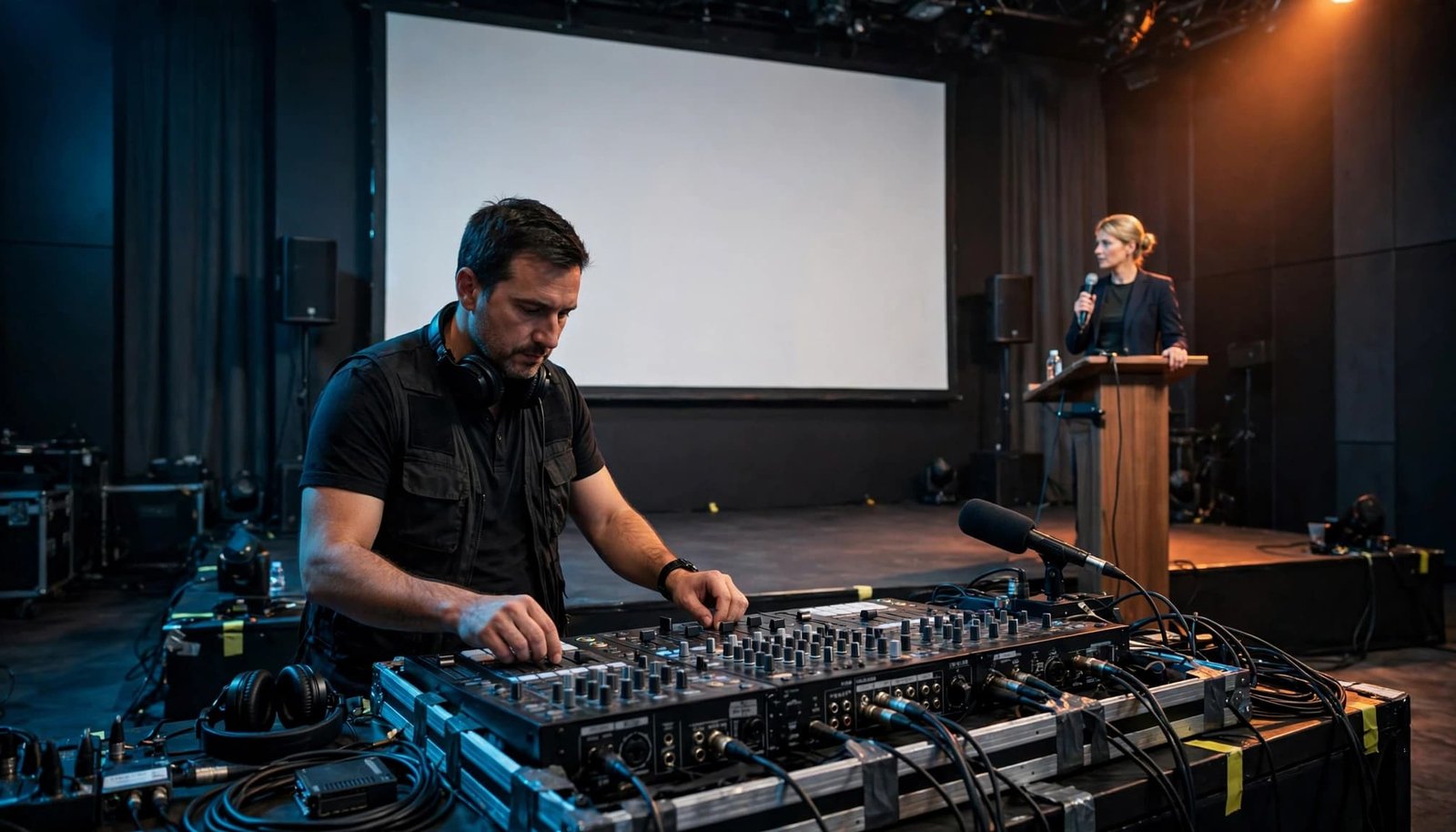
Test Every Microphone for Its Intended Use
Check the actual room against the technical rider. Verify the listed inputs, microphone assignments, playback connections, and power distribution with the DJ and AV team.
Test wireless microphones with the people who will use them whenever possible. Check transmitter power, mute status, battery condition, range, and placement. Test a lavalier against clothing, jewelry, hair, and normal movement from the presenter’s usual speaking position.
Keep a wired handheld microphone, spare batteries, and an alternate playback connection nearby. The backup plan should also identify who authorizes a switch if the primary equipment fails. Ask the AV technician which microphones should remain muted until needed.
Listen From the Guest Perspective
Run a full soundcheck on the audio equipment, including microphones, walk-on music, video playback, speaker introductions, and the first formal transition. Then walk to the back and sides of the room to hear what guests will hear through the sound system.
Speech should be clear without overpowering the room. Check for feedback near loudspeakers, hard walls, glass, and open areas. If a microphone rings or squeals, move it away from the loudspeaker and let the technician adjust the system. Don’t tap or blow into a microphone to test it.
If the room serves multiple purposes, check whether the dance floor affects speaker sightlines, cable routes, or sound coverage. Keep drinks away from laptops, microphones, and the mixing console. Cable routes should also stay clear of exits, accessible paths, and service areas.
Plan the Speaker Introduction and Walk-On Cue
A speaker introduction should feel confident, brief, and appropriate to the event. The goal is to bring attention to the stage without turning a formal program into a performance.
For organizations planning formal presentations, awards, networking events, or company celebrations, New Hampshire corporate event DJ services can include professional audio, wireless microphones, announcements, agenda support, and event-flow coordination.
Use Approved Language and Correct Timing
Give the MC or host approved wording for every formal introduction. Include the speaker’s full name, title, company name if needed, and any recognition approved for the program.
If MC services are included, confirm whether the host, DJ, or MC delivers the introduction. The final technical rider should confirm the microphone assignment, walk-on track, playback input, and fade point.
Walk-on music should have a defined start point and fade point. Most speaker entrances need 10 to 20 seconds, not a full song. A long intro can leave the speaker waiting at the podium and pull attention away from the message.
Confirm whether the music fades before the speaker reaches the stage or after they arrive at the lectern. That small decision makes the transition feel organized.
Choose One Clear Handoff Signal
The event team needs a consistent signal for “stand by” and “go.” Use an operational cue such as, “Stand by presenter, handheld microphone live, walk-on track ready,” followed by “Go.”
The planner may stand at stage left, the host may nod to the DJ, or the AV operator may give a verbal cue through the production channel. The presenter confirms the entrance route, while the AV team confirms slides or video playback.
Choose one method and use it throughout the event. The presenter should never have to guess when music starts, when a microphone goes live, or whether the room is ready.
The handoff plan should also note the speaker’s entrance route. A crowded stage, closed curtain, or blocked aisle can create avoidable delays as attention shifts toward the podium.
Manage the Live Speaker Handoff
When the cue arrives, the DJ or MC should focus on timing, sound level, a clean fade, and the next move. This is where careful preparation becomes visible to the audience, even when they never notice the work behind it.
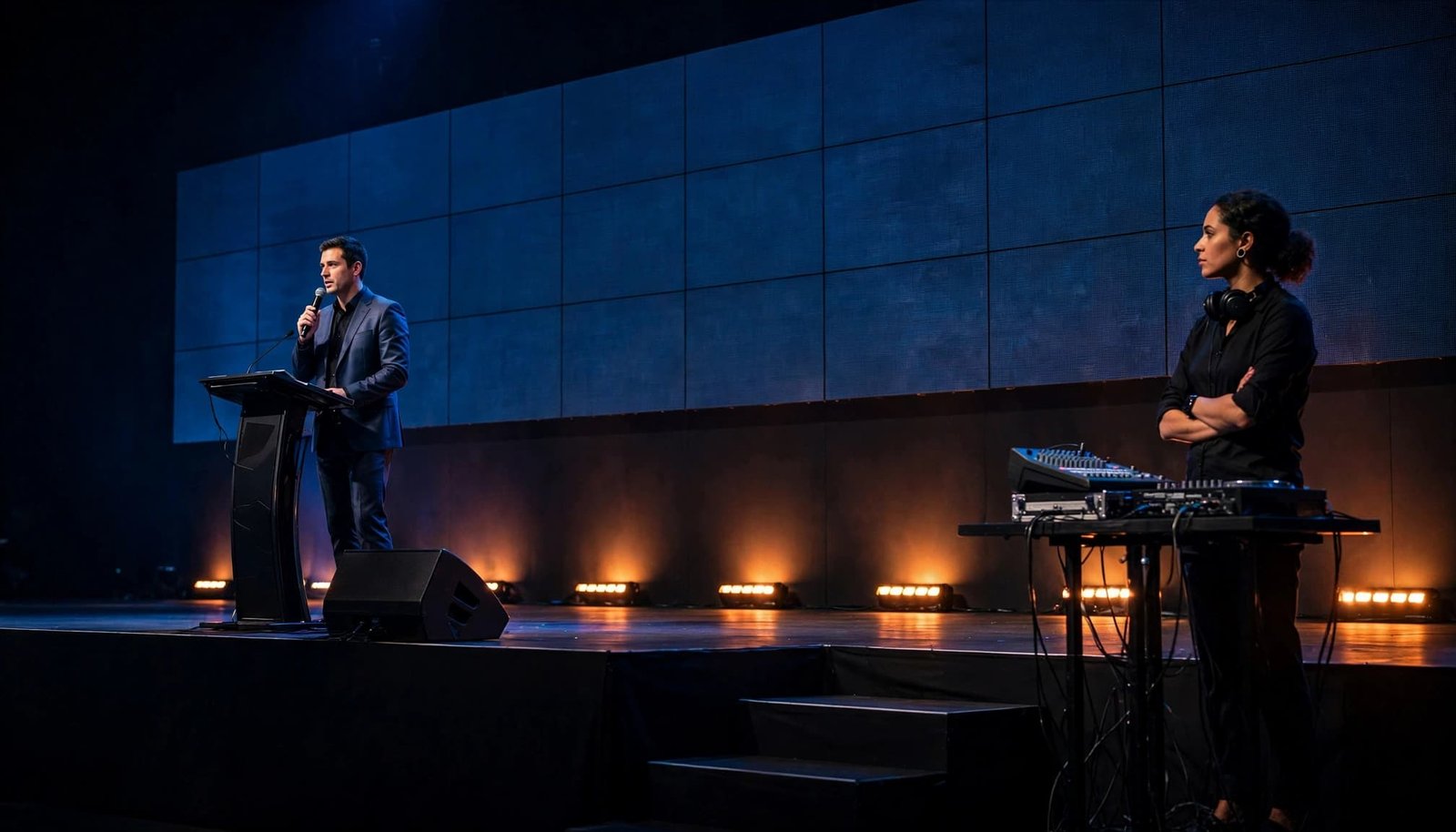
Give the Speaker a Clean Start
Use the technical rider to confirm the active microphone, playback input, and cue order. Start the walk-on cue at the planned point, then fade it smoothly as the introduction ends.
Avoid speaking over the walk-on music unless the program calls for it. The host’s introduction, music cue, and first sentence from the speaker should not compete with one another.
Once the introduction ends, confirm the microphone is live and give a clear verbal cue, such as “Presenter, you’re live.” If a presenter uses a handheld microphone, remind them to hold it at a consistent distance and speak normally.
Stay Ready Without Taking the Spotlight
A DJ or MC should remain alert during the presentation. They may need to manage a late slide cue, lower background music outside the room, prepare a closing track, or respond if a microphone needs to be replaced.
The corporate audience is there for the speaker and the message. Professional support means staying prepared without drawing attention away from the stage.
DJ Steve Neff Entertainment LLC has provided professional DJ entertainment since 1999. The company supports corporate functions, including a holiday party, with DJ, MC, sound, lighting, and event entertainment services across New Hampshire.
Handle the Close and the Next Transition
The end of a presentation is another handoff, not an afterthought. A clear close keeps the audience engaged and gives the event team room to move to the next speaker, award, break, or meal service.
Confirm the Speaker’s Closing Cue
Before the program begins, decide how the speaker will signal that their remarks are ending. A closing line, a nod to the host, or a planned slide can all work. The important part is that the DJ and planner know what to expect.
If applause follows, give it space. Don’t start music too early or begin the next announcement while guests are still recognizing the speaker.
Once applause ends, confirm the presenter has left the microphone area. Check that the AV team has reset slides or playback, and the DJ has muted or stored the microphone as directed. The planner should approve the next cue before it runs.
For panel discussions, also confirm who collects microphones, resets chairs, or takes the lead into audience Q&A. Small tasks can slow the program when nobody owns them.
After the formal remarks, background music can support networking or the next activity. Guest requests shouldn’t override the planner’s approved schedule or program restrictions.
Confirm that the next activation, networking area, or photo booth is ready without blocking the stage or presenter exit.
Adjust Calmly When the Schedule Moves
Even a detailed schedule can change. A keynote may run long, catering may need extra minutes, or an executive may arrive later than planned.
Use the backup plan if the speaker runs long, the next presenter is missing, or the AV team needs additional reset time. The DJ can hold background music, extend a networking cue, or wait for the planner’s updated signal.
The team should avoid announcing a revised schedule until the designated contact approves it.
A short final meeting 10 minutes before doors open can prevent the uncomfortable moment when a presenter is ready but the room is not.
Prepare for Common Audio Problems
Technical issues are uncommon, but the right response matters. The event team should know who can pause the program if an audio, safety, or venue concern appears.
If a Wireless Microphone Stops Working
Keep the speaker calm and direct them toward the wired backup or a ready handheld microphone. The presenter shouldn’t change wireless settings or unplug equipment unless the technician asks them to.
The backup plan should identify who pauses the program, who switches to the wired microphone, and who gives the next go signal. If connections must change, the team should verify the approved signal path in the technical rider first.
The host can briefly address the room if needed, but avoid filling the pause with jokes or unnecessary commentary. Fast, calm communication looks more professional than rushed movement on stage.
If Video or Presentation Audio Does Not Play
Decide before the event who owns final testing for video sound. The venue AV team, outside production company, or DJ may handle part of the setup, but one person should own the response.
Use the technical rider to identify the playback device, connector, audio feed, responsible AV operator, and fallback input. Test every presentation file, playback device, connector, and audio feed before guests arrive.
If a file needs to be replayed, the planner should decide whether to hold the room, move forward, or return to it later. The team should confirm the approved signal path before changing connections.
For a detailed planning conversation about timelines, music, sound needs, lighting, special announcements, vendor readiness, and liability insurance requirements, planners can request a custom DJ package.
Frequently Asked Questions
Who should introduce speakers at a corporate event?
The host, company leader, professional MC, or DJ may handle introductions when that role is agreed upon in advance. Use approved language, pronunciation notes, and a final cue from the planner or producer.
Does the DJ need the full presentation schedule?
Yes. The DJ needs the latest run of show, including speaker order, start times, breaks, awards, meal service, video cues, room changes, and planned announcements. Music is only one part of supporting event flow.
What should be included in a speaker handoff checklist?
Include the speaker’s name and title, introduction wording, microphone assignment, entrance route, walk-on cue, slide or video responsibility, final “go” signal, expected presentation length, closing cue, and next agenda item.
A Confident Handoff Keeps the Program Moving
A strong presentation transition depends on prepared details, not last-minute guesses. When everyone understands the cue, microphone plan, and next action, speakers can focus on their message while guests stay engaged with the program.
A well-organized handoff plan creates calm behind the scenes. Clear sound, polished announcements, and reliable timing give the entire event a more professional feel.