A DJ can have the music ready and still lose precious setup time at a locked service entrance. Your load-in plan needs to account for parking, elevator access, equipment routes, and the moment the room becomes available.
A useful corporate event DJ checklist connects those details to power, soundcheck, and the event schedule. Check the technical rider to confirm what needs to travel through the venue, then plan the equipment route; everything else depends on getting the team and gear into place.
Corporate Event DJ Checklist: Confirm Venue Access First
The venue address is only the beginning. Before finalizing the agreement, ask the venue coordinator and DJ to compare the technical rider with the approved entrance and route. This can reveal equipment or access conflicts before event day. Confirm where the vehicle can stop and who will grant access.
Separate unloading from parking
A loading dock may allow unloading without allowing the DJ’s vehicle to remain there. Confirm the approved unloading entrance, any reserved time slot, and whether security requires a vendor name, vehicle details, or advance notice. Ask whether the venue requires a certificate of liability insurance.
Then identify where the driver parks after unloading. If the parking area is far from the room, agree on who stays with the equipment while the vehicle is moved. Ask about parking fees and height limits if the vehicle must use a garage. These details affect staffing and timing, especially when speakers, lighting, and other equipment need several trips.
Verify the elevator, not just the building floor
Ask whether the DJ must use a freight elevator or may use a passenger elevator. Confirm its operating hours, who can unlock it, and whether it will be shared with catering, décor, or other production teams. If the dock or elevator is unavailable, agree on a backup plan before event day.
The DJ should also check whether the doors and elevator car can accommodate the largest cases or carts. If there are stairs anywhere along the route, note them in writing. An elevator that reaches the right floor doesn’t help if the final doorway is too narrow for the planned equipment.
Map the Route From Vehicle to DJ Position
A room diagram and a short site survey can reveal problems that a venue brochure won’t show. Mark the loading entrance, elevator, ballroom doors, DJ position, stage, screens, power outlets, dance floor, and guest traffic paths. If the event includes a photo booth, map its footprint and route too.
Walk the complete equipment path
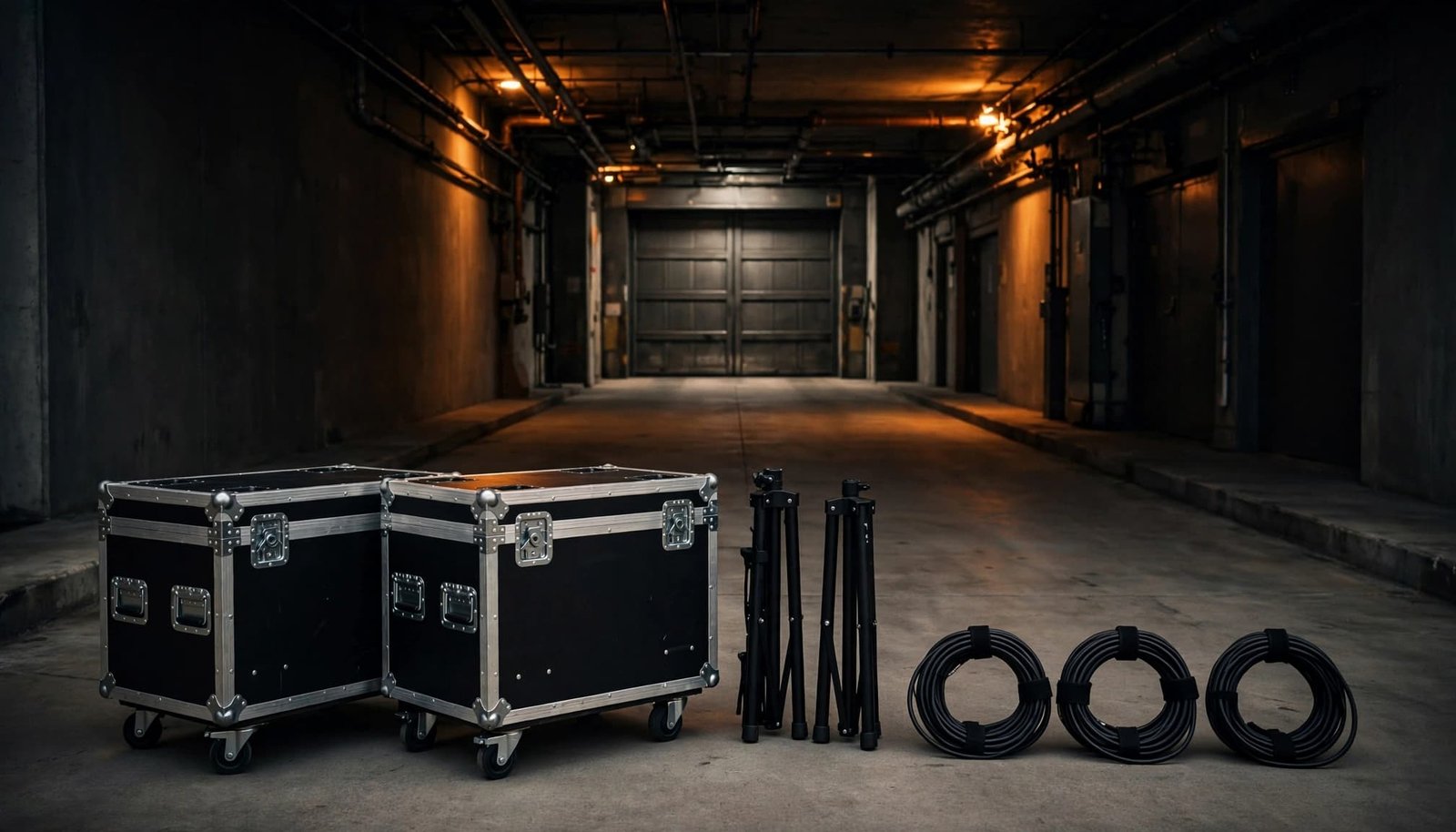
Follow the route a rolling case will take, including ramps, hallway turns, thresholds, and any outdoor stretch exposed to weather. Use the technical rider to check planned audio equipment and case dimensions against that route. Find out whether venue carts are available or whether the DJ must bring their own.
The DJ position should allow a clear view of the main speaking area when walk-on music, introductions, or awards are part of the program. Check that speakers and lighting can be placed without blocking a screen or interfering with meal service. A convenient corner isn’t always a workable production position.
Protect the room and keep exits clear
Ask the venue which floor protection it requires beneath cases, stands, and tables. Confirm where gear can be staged during setup so it doesn’t crowd doorways or staff routes.
Plan cable runs before the cases arrive. Cables shouldn’t cross an emergency exit or accessible route. Where a crossing cannot be avoided, ask the venue and AV team to approve the appropriate protection. A tidy setup protects guests and helps the event look professional once doors open.
Build a Setup Window That Fits the Event
Guest arrival time isn’t the DJ’s setup time. The schedule must make room for unloading, moving equipment upstairs, placing speakers, managing cables, testing microphones, and clearing empty cases.
Work backward from doors opening
Ask a professional DJ to estimate setup time from the actual route, room-release time, and technical rider. Don’t rely on a generic arrival rule. A compact system in one room differs from an awards program or holiday party with microphones, lighting, video audio, and a second space.
Include a protected soundcheck period before guests enter. The venue should confirm when the room will be released, especially if banquet staff are finishing a room change or an earlier event is still underway. If access runs late, use a backup plan, such as moving soundcheck or staging equipment nearby.
Coordinate shared access with other vendors
A service elevator can become a bottleneck when catering, florals, staging, AV, and a photo booth vendor all arrive together. As part of event planning, give each vendor an access window and a direct venue contact, then confirm where equipment may wait if the room isn’t ready.
Put load-in, soundcheck, doors opening, and breakdown on the same event timeline. When booking entertainment, share the venue and access details early; planning a corporate DJ booking also involves discussing sound needs, lighting, announcements, and the schedule.
Confirm Power, Sound, and Presentation Connections
The DJ’s technical rider is the written starting point for equipment, space, and power discussions. Send it to the venue coordinator and any separate AV provider before the event, so each team can approve its part of the setup.
Assign the right outlets and circuits
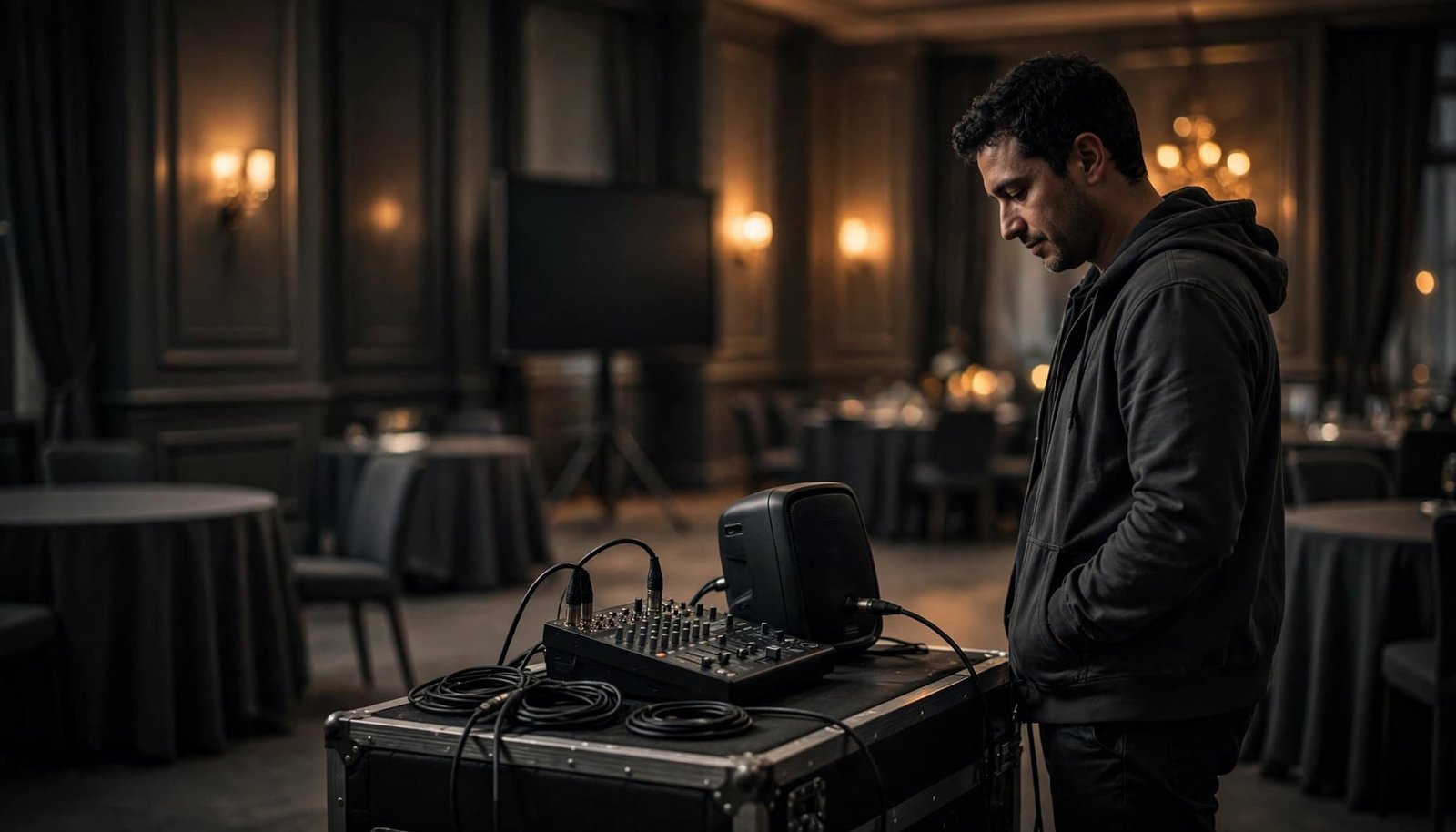
Have the DJ provide the sound system’s power requirements, along with needs for lighting and other planned equipment, for venue approval. The venue can identify approved outlets and confirm whether other vendors share those circuits. Don’t assume an outlet near the stage has unused capacity.
If the proposed location doesn’t meet the equipment plan, settle on an alternative with the venue before load-in. Power strips and extension cords aren’t substitutes for an approved power plan, and venue rules may limit where cords can run.
Decide who controls each audio source
Corporate programs often use DJ music alongside podium microphones, presentation laptops, and video playback. Confirm whether each source connects to DJ-provided sound or a house AV system, and name the person responsible for making and testing that connection.
The AV contact should approve any connection to house screens or audio. The DJ should test DJ-provided equipment, then run shared cues with the AV team. Agree on a backup plan for house-system or presentation-audio failure, such as routing playback through the DJ’s system if approved. Make sure someone can hear speech clearly at the back tables, not only beside the mixer. Clear ownership prevents a presenter from reaching the podium while two teams assume the other has the microphone.
Connect Soundcheck to the Run of Show
A polished corporate program needs more than working speakers. Event entertainment also depends on a shared music and cue plan. The DJ, planner, host, venue captain, and AV contact should use one current schedule, with a named owner for each cue.
Rehearse the handoffs that matter
Include doors opening, meal service, executive remarks, awards, video playback, breaks, and the planned end time. For each moment, identify who gives the cue and what the DJ does: fade background music, start walk-on music, make an announcement, or hold for AV. Use the technical rider as the equipment reference when coordinating the AV team’s pre-event checks.
Check speaker names and pronunciations before the event. If timing changes, one designated planner or host should communicate the update. That keeps last-minute instructions from arriving through several people at once. Clarify who handles announcements and cues, including whether MC services are part of the plan.
Set music standards before guests arrive
Music planning starts with the atmosphere that fits the company, which a custom playlist can help convey. Share a short must-play list, a do-not-play list, content restrictions, and a plan for guest requests. Music for networking should leave room for conversation; a later dance set can bring more energy if it fits the event.
DJ Steve Neff Entertainment LLC’s New Hampshire corporate event services include options such as professional audio, wireless microphones, background music, and dance lighting. Confirm which services are in your agreement, then account for each setup area in the room plan.
Plan for Delays, Failures, and Pack-Out
A reliable setup plan includes what happens when access changes or equipment fails. Those conversations are easiest before vendors are standing at the dock.
Agree on practical backups
Use the technical rider to confirm the agreed equipment and backup plan, including a backup music source, microphones, cables, adapters, and batteries. If presentation audio or executive remarks depend on a house system, the AV team should explain its own fallback plan.
Record the venue contact who can resolve a locked entrance or unavailable elevator. Check the contract details for setup responsibilities, overtime, cancellation terms, and backup coverage. Ask the venue whether it requires a certificate of liability insurance or particular coverage language. Requirements vary by location.
Confirm the exit route, too
The load-out route may differ from the load-in route. Ask when breakdown may begin, when the freight elevator remains available, and where cases can be staged without interrupting guests or venue staff.
If the ballroom must be cleared by a set time, include equipment removal in that deadline. A respectful pack-out is part of a smooth event, even after the final song.
Keep One Load-In Checklist for the Whole Team
A short, shared record is easier to use on event day than instructions scattered across emails. Give the DJ, planner, venue coordinator, and AV lead the same final version.
| Confirm before event day | Record in the shared plan |
|---|---|
| Vehicle access | Unloading entrance, access window, parking location, and venue contact |
| Elevator and route | Approved elevator, operating hours, dimensions to verify, and any stairs |
| Room setup | DJ position, staging space, floor protection, and approved cable paths |
| Technical needs | technical rider, approved power, microphone plan, and AV connection owner |
| Schedule | Room release, setup, soundcheck, doors opening, and pack-out |
| Backup contacts | backup plan with named contacts for access delays, schedule changes, and equipment issues |
Keep the room diagram and current run of show with this checklist. If a detail changes, send the updated version to everyone affected rather than relying on a conversation at the loading dock.
Key Takeaways
- Confirm unloading and parking separately, then verify the elevator and full route to the room.
- Base the setup window on the equipment plan, venue access, and time needed for a complete soundcheck.
- Assign owners for power, presentation audio, program cues, and pack-out before event day.
Frequently Asked Questions
How early should we book a corporate event DJ?
Book as soon as the date, venue, and basic program are known, especially for a popular holiday party date or a complex presentation schedule. Early booking gives the DJ, venue, and AV team time to review access and equipment needs. There isn’t one booking deadline that fits every event.
Why should the venue see the DJ’s technical rider?
The rider gives the venue a written equipment and setup plan to review. It helps the coordinator confirm space, approved power, load-in access, and any restrictions before the team arrives. It also gives a separate AV provider a chance to flag connection questions.
Does a mobile DJ need a dedicated electrical circuit?
The answer depends on the actual equipment and venue. Ask the DJ to provide power requirements, then have the venue confirm the approved outlets and whether other vendors share the circuits. Don’t choose a circuit based on assumptions about a typical DJ setup.
Are a signed contract and liability insurance required?
A written agreement is a sound way to document services, timing, and responsibilities. Insurance requirements depend on the venue and event agreement. Ask the venue what proof it requires, including any certificate or additional insured wording, before confirming the booking.
A Better Event Starts at the Service Entrance
A polished guest experience may begin with event entertainment, but the DJ’s work starts with access. Clear parking instructions, a usable elevator, approved power, and time for testing let the team focus on the program instead of solving preventable problems.
Keep those details in one shared plan for a confident setup and an organized event from the first announcement to final pack-out.