A sales kickoff can have a strong agenda and still lose the room between presentations. When a microphone isn’t ready or a transition drags, your team notices. A well-prepared DJ helps keep speakers audible, announcements clear, and the energy appropriate for each part of the day.
The right plan starts with a question: what does the meeting need guests to hear, feel, and do?
What a Corporate Event DJ Does at a Sales Kickoff
A DJ’s role in event entertainment at a business meeting is shaped by the program. Music may welcome guests, introduce a speaker, fill a break, or give a recognition moment a little more energy. The DJ may also provide microphones and make announcements, depending on the agreed scope.
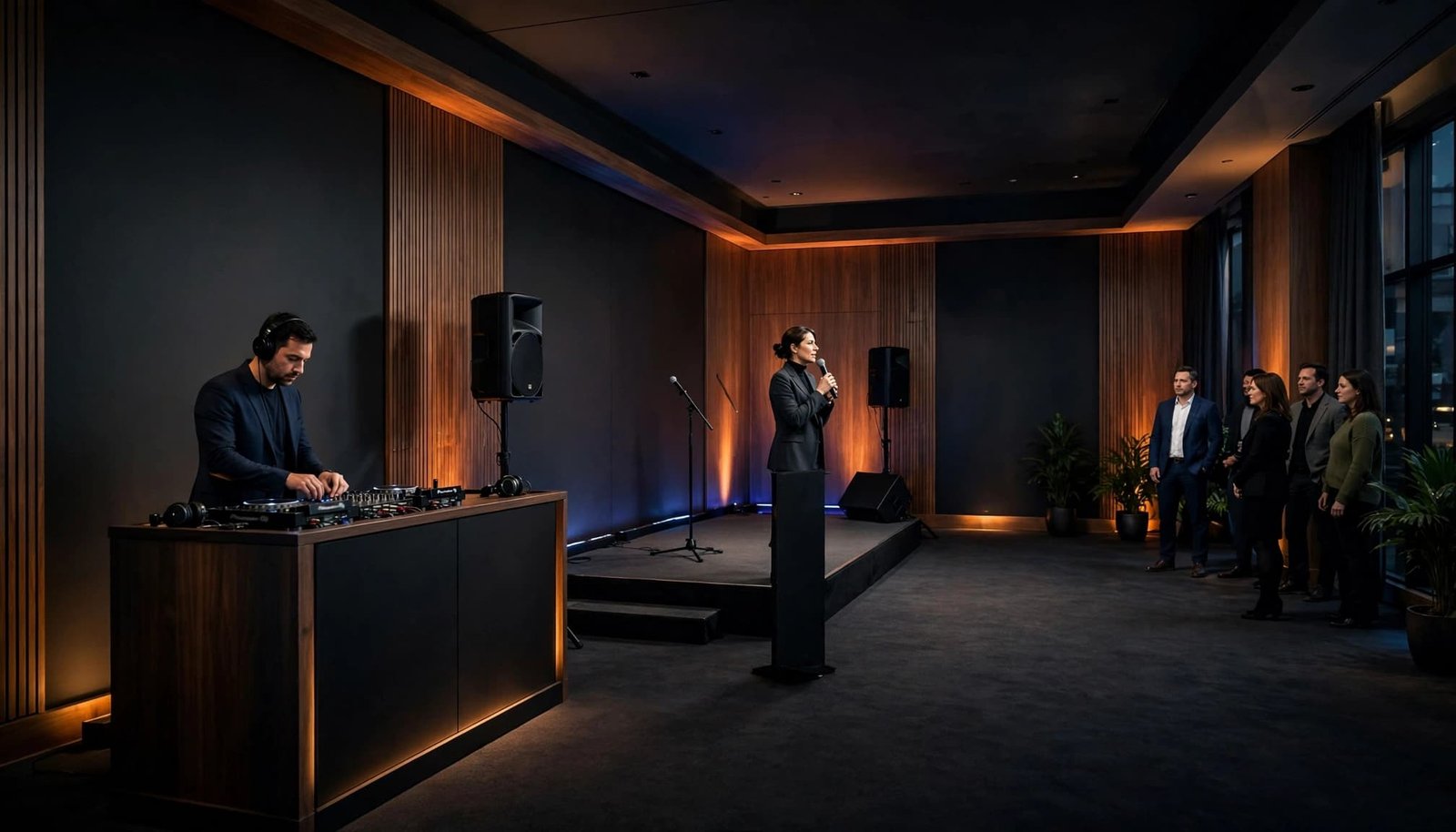
Music That Supports the Agenda
Arrival music can make the room feel ready without competing with conversation. A brief walk-on cue gives a speaker a confident entrance; softer music during a break helps maintain the atmosphere while people move between sessions.
The DJ should know when silence is more useful than a song. During a keynote, difficult discussion, or important announcement, clear speech comes first. That balance matters more at a sales kickoff than an impressive playlist.
Hosting Without Taking Over
When the DJ is also the MC, one person can manage music cues and guide guests through planned transitions. That may include welcoming attendees, introducing a speaker, inviting everyone back after a break, or announcing an award recipient.
The style should match your company. A confident, understated introduction often fits a team meeting better than high-volume crowd interaction. Before booking, ask who will write introductions, confirm names, and authorize schedule changes. DJ Steve Neff Entertainment LLC describes professional DJ and MC services that can include announcements and support for event timelines.
Match the Service to the Type of Gathering
A sales kickoff often moves between presentation and celebration. A team meeting may need little music but dependable microphone support throughout the day. An awards dinner calls for precise introductions and short music cues; a holiday party may need comfortable dinner music followed by dancing. A product launch needs focused cues, while team building may call for activities and music that encourage participation.
These events shouldn’t receive identical entertainment plans. Start with the purpose, the audience, and the moments that matter most. Georgia Tech’s event planning checklist puts goals and target audience near the beginning of the process. Those answers also help you decide whether the DJ should be a background presence, an active host, or both.
DJ Steve Neff Entertainment LLC offers New Hampshire corporate event DJ services for corporate events, including company parties, awards ceremonies, receptions, and other business gatherings. For a kickoff or team meeting, choose entertainment services based on the actual agenda, not on whether a party package covers presentation needs.
Build a Music Plan Around Your Team
Music choices should reflect the people in the room and the purpose of the event. A leadership meeting, a company-wide kickoff, and an employee celebration may share a venue but call for different volume, pacing, and song selection.
Set Clear Boundaries Early
Share preferred genres, must-play songs, songs to avoid, and any restrictions on lyrics. Clean edits are especially helpful when employees, executives, clients, and guests are together. If a theme matters, describe the atmosphere you want rather than handing over a long list of tracks with no context.
Also decide how requests will work. A DJ can respond to the room while respecting company preferences, but only if those preferences are clear before the event.
Give Each Part of the Day Its Own Energy
Keep arrival and networking music at a level that allows conversation. Pause it for presentations, then use short cues where they add polish. If live music is part of the program, coordinate its volume and cues with the DJ’s selections. If the day ends with a corporate party, the music can build toward the dance floor after formal business is complete.
A playlist may be enough for a small, informal gathering without announcements. When someone must adjust volume, coordinate cues, and respond to schedule changes, a DJ provides hands-on support. The site’s DJ and event planning tips include further ideas for company gatherings.
Put the Run of Show in the DJ’s Hands
A run of show gives everyone the same sequence of events. It should name each segment, its expected time, the person responsible, and the cue that starts it. Give the DJ a version that includes speaker names, pronunciation notes, music cues, and contact information for the planner and venue team.
Assign an Owner to Every Cue
For each introduction, award, or video, decide who gives the go-ahead. The event planner might tell the MC when a speaker is ready; the venue’s AV operator might start the video. Clear ownership prevents two people from acting at once or both waiting for the other.
A music fill is a short selection played during a planned transition or unexpected pause. It can cover the time needed for an award recipient to reach the stage without leaving an uncomfortable silence. Agree in advance where fills are welcome and where the room should stay quiet.
Prepare for Changes Without Losing Direction
Speeches run long. Dinner service shifts. A presenter may need an extra minute. Give the DJ permission to adjust routine transitions, but identify the moments that require approval before anything changes.
Convene’s venue AV and IT checklist is a useful reminder to review the venue’s systems before event day. The run of show works best when it reflects the room and the people operating it.
Confirm Sound, Microphones, and AV Responsibilities
A DJ setup that suits a reception may not cover a conference program. The right sound plan depends on room shape, seating, audience size, presenter locations, and whether guests need to hear audio from a video. Confirm these details with both the DJ and the venue.
Scale Sound to the Room
A single meeting room may need microphones for a presenter and an MC. A ballroom, divided space, or overflow area may need additional sound coverage or a separate audio feed. Ask how every seated attendee will hear speech clearly, not simply how loud the music can play.
If lighting is offered, decide whether the goal is subtle event lighting for room atmosphere or a more festive dance floor. A photo booth, staging, projection, and livestreaming are separate services unless a proposal says otherwise. A large-meeting AV planning guide can help frame questions when production needs extend beyond DJ sound.
Test the Handoffs
Confirm which AV equipment the DJ provides, who supplies microphones, connects presentation audio, plays videos, and conducts the final soundcheck. Broader audio visual services may be handled by the venue or another provider. Ask whether the DJ will use the venue’s installed system or bring separate sound, and who tests and approves each connection.
For larger programs, review screens, cameras, stage positions, and audio together. The corporate event AV checklist outlines those planning areas. Ask the DJ and venue what happens if a microphone or playback source fails; backup arrangements belong in the conversation before the first guest arrives.
Compare Quotes by Scope, Not Price Alone
Corporate event DJ pricing depends on the work required, not only the hours music is playing. Performance time, setup, travel, hosting duties, microphones, lighting, extra rooms, and production support can all affect a proposal. Exact rates and included equipment vary by provider, so request an itemized quote for your event.
Keep the Package Focused
You can manage the budget without removing the support the meeting needs. Keeping a reception and presentation in one room may reduce the need for multiple sound setups. A defined end time helps you compare coverage accurately, while lighting can be chosen for the atmosphere you want rather than added by default.
An inexpensive quote deserves the same questions as a higher one. Does it include an MC? Who brings the microphones? Is setup time included? A clear answer gives you a better comparison than the headline price.
Read the Agreement Before You Sign
The written agreement should identify the date, location, coverage hours, setup expectations, included equipment, and any additional charges. Ask about overtime, travel, parking, payment terms, cancellation or rescheduling, and liability insurance requirements.
Also confirm who will perform and what backup arrangements the provider can offer. Reliability comes from a practical plan and clear responsibilities, not a promise that nothing will change.
Book With Enough Time to Plan Together
Ask about availability once your date and venue are set, especially for holiday parties or a meeting with several speakers and rooms. The more complicated the program, the more valuable early coordination becomes. There isn’t one booking window that fits every event or provider.
Share a Useful First Brief
You don’t need a finished playlist to request a proposal. For corporate clients planning corporate events, share the date, venue, guest count, schedule, and meeting format. Note when you need music or microphone support, any rooms needing separate sound, and your preferred hosting tone.
Describe the three moments that matter most, such as the opening welcome, keynote, and awards. That helps a DJ discuss the service you need rather than quote a standard party setup.
Ask How the Team Will Work Together
Ask professional DJs when they need the final run of show and who coordinates with venue staff. Find out how last-minute changes reach the booth. Confirm how speaker names will be checked and when the soundcheck can happen. These details tell you how the provider prepares for the day.
Based in Concord, New Hampshire, DJ Steve Neff Entertainment LLC is run by Steve Neff and business partner Jon Turgeon, with professional DJ experience dating back to 1999. You can request a personalized event package based on your schedule, sound needs, lighting preferences, and venue.
Key Takeaways
- Choose the DJ’s role around your program: music, MC duties, microphone support, or a combination.
- Share an agenda with named cue owners and clear instructions for introductions, videos, and awards.
- Compare written proposals by coverage and responsibilities, then confirm AV handoffs and backup plans with the venue.
Frequently Asked Questions
Can a DJ handle both a sales kickoff and a holiday party?
A professional DJ may support both, but the plans should look different. A kickoff usually puts speech clarity and timed cues first. A holiday party may call for more social music and dancing. Describe the program when requesting a quote so the hosting and sound plan fit the occasion.
How do DJs manage announcements during a team meeting?
The DJ follows an agreed run of show and takes cues from a designated planner or host. Speaker names, titles, pronunciation notes, and announcement wording should be confirmed ahead of time. Last-minute changes work best when one person is responsible for passing them along.
Does a corporate DJ provide conference AV equipment?
Some providers offer sound, wireless microphones, and lighting. Projection, video playback, cameras, staging, and overflow-room feeds may belong to the venue or a separate AV company. Ask for an equipment list and assign responsibility for every connection and test.
How far ahead should we book?
Contact DJs when the date and venue are known. Popular dates and programs with several technical requirements need more planning time, but availability varies. Even if the event is approaching, share the agenda and ask what the provider can realistically support.
A Meeting That Sounds as Prepared as It Looks
Your team shouldn’t have to wonder whether the next speaker will be heard or who will start an awards cue. Clear responsibilities, appropriate music, and a tested sound plan give the DJ the information needed to support the room.
When you’re ready to compare providers, start with the agenda. The right entertainment plan will grow from what your meeting needs, not from a generic playlist.