A panel can have excellent speakers and still lose the room when guests can’t hear the conversation. For a corporate event DJ, the priority during a discussion is clear speech, supported by well-timed music and calm coordination.
That takes a different plan than holiday parties or dance receptions. You need to know who controls each microphone, who calls each cue, and what happens when the schedule changes. Start by defining the DJ’s role alongside the host and AV team.
What the DJ Should Handle During a Panel
At corporate events, a DJ can support a panel or fireside chat with music, announcements, microphones, and transitions. Corporate clients should define the DJ’s role for each company function, based on the venue and production team. Put those responsibilities in writing before anyone starts setting up.
Separate the DJ’s Duties From the Host’s
The host may introduce speakers and guide the discussion, while the DJ lowers music, prepares microphones, and plays approved walk-on cues. If the DJ will also act as MC, agree on the introduction script, speaker names, and pronunciations in advance.
A fireside chat may need little music once the conversation begins. Its success depends on natural-sounding voices and an opening that doesn’t feel rushed. A panel adds more speakers, microphone channels, and handoffs, so the sound plan needs closer attention.
Name the AV Lead
Don’t assume that “sound support” includes slides, video playback, recording, or a livestream. Confirm which audio visual services the program needs, and assign an owner for each job. The DJ might provide room audio, while a separate AV operator handles presentation feeds and remote guests.
For New Hampshire gatherings, corporate event DJ services in New Hampshire can include professional audio, wireless microphones, background music, and lighting options. Confirm the services your specific program needs rather than treating every option as part of one package.
Build the Microphone Plan Around the Conversation
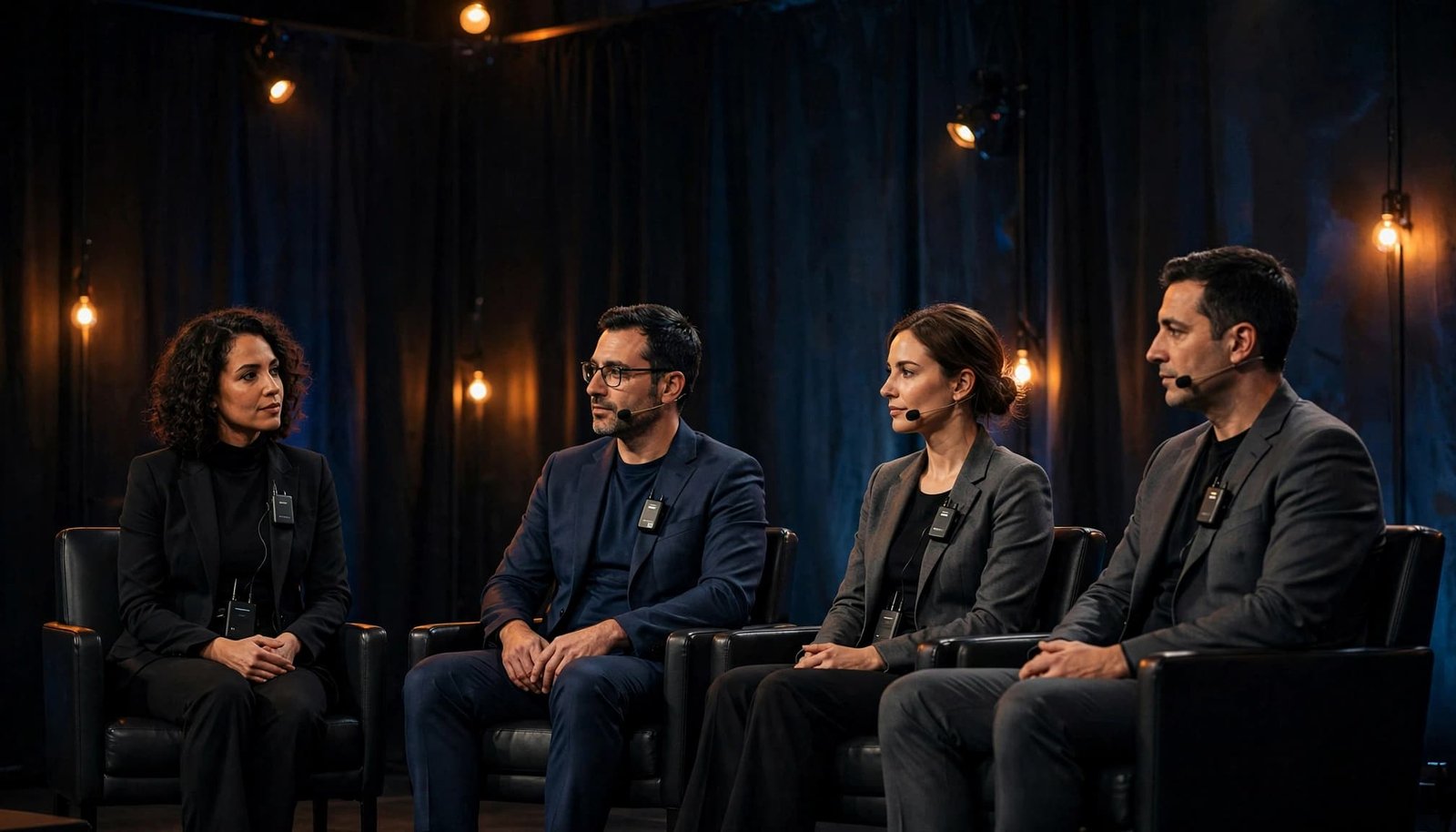
A microphone count is only the beginning. List each person who will speak, where they’ll sit or stand, and whether the audience will ask questions.
Give Every Voice a Clear Path to the Room
A handheld microphone can work well for a moderator or audience questions. A seated panel may call for individual microphones, depending on the stage layout and available equipment. Shure’s conference microphone planning examples show how table, stand, and handheld options suit different speaking arrangements.
If guests will ask questions, decide who carries the microphone and who chooses the next speaker. For a hybrid event, confirm that remote attendees will hear the questions too. The livestream audio feed needs its own owner and a real test.
Rehearse With the People Using the Mics
Ask presenters to speak at their usual volume while the technician checks levels. Test a lavalier with the speaker’s clothing and normal movement; jewelry or fabric can brush against it. Check wireless batteries and mute controls before doors open.
Listen from the back and sides of the room, not only from the DJ position. A voice can sound clear near the stage and muddy farther away. Shure’s presenter microphone guidance also recommends aiming a microphone toward the speaker’s head rather than their chest or shoulder.
Give Every Transition a Cue Owner
The event run of show is the team’s shared event production guide, spelling out what happens, when, and who starts it. At a business function, “Panel begins” leaves too much open to interpretation.
Write Cues That Can Be Followed
A useful cue line names the host who introduces the moderator, the microphone that goes live, and the person who signals the DJ to fade music. Include the first video or slide cue if one follows. That lets each team member prepare before guests notice a pause.
Walk-on music needs the same care. Choose the start point and fade point, not merely a song title. The opening seconds of a familiar track may be too slow, or its lyrics may be wrong for the speaker. Confirm the entrance route during rehearsal so the cue fits the walk.
Make Room for Schedule Changes
Panels run long. Sometimes an executive arrives late or a preceding session ends early. When the schedule allows, leave five to 10 minutes around major transitions and identify one planner or producer who can approve changes.
That contact can ask the DJ to extend background music, hold an introduction, or shorten a cue. The venue, host, DJ, and AV lead should receive the same update. Several people giving different instructions at once creates more confusion than a delayed start.
A cue isn’t ready until someone knows who will give the signal.
Choose Music That Supports the Company Program
The right music gives guests a welcoming atmosphere without competing with the speakers. Share the company’s tone, audience mix, and content standards with the DJ early in planning.
Match Each Part of the Event
At networking events, music should sit at a level where guests can talk comfortably. A brief entrance cue can add energy before the moderator speaks. Coordinate timing with any live music scheduled elsewhere in the program. Once the discussion starts, music should be off unless the program calls for a planned transition.
Provide a short must-play list and a do-not-play list, including any requirements for clean, age-appropriate selections. These are more useful than a long playlist with no indication of when songs belong. For related ideas, see these tips for planning corporate event music.
Set Rules for Requests and Announcements
Guest requests may fit a reception after the discussion, but they shouldn’t interrupt a formal program. If requests are welcome, decide whether guests can approach the DJ, whether an online system is available, and who approves the selections.
Treat announcements the same way. Agree on who writes and approves the wording, who speaks, and when music should lower. A polished MC can keep guests informed; clear instructions help that person do it without drawing attention away from the panel.
Confirm Production Details With the Venue
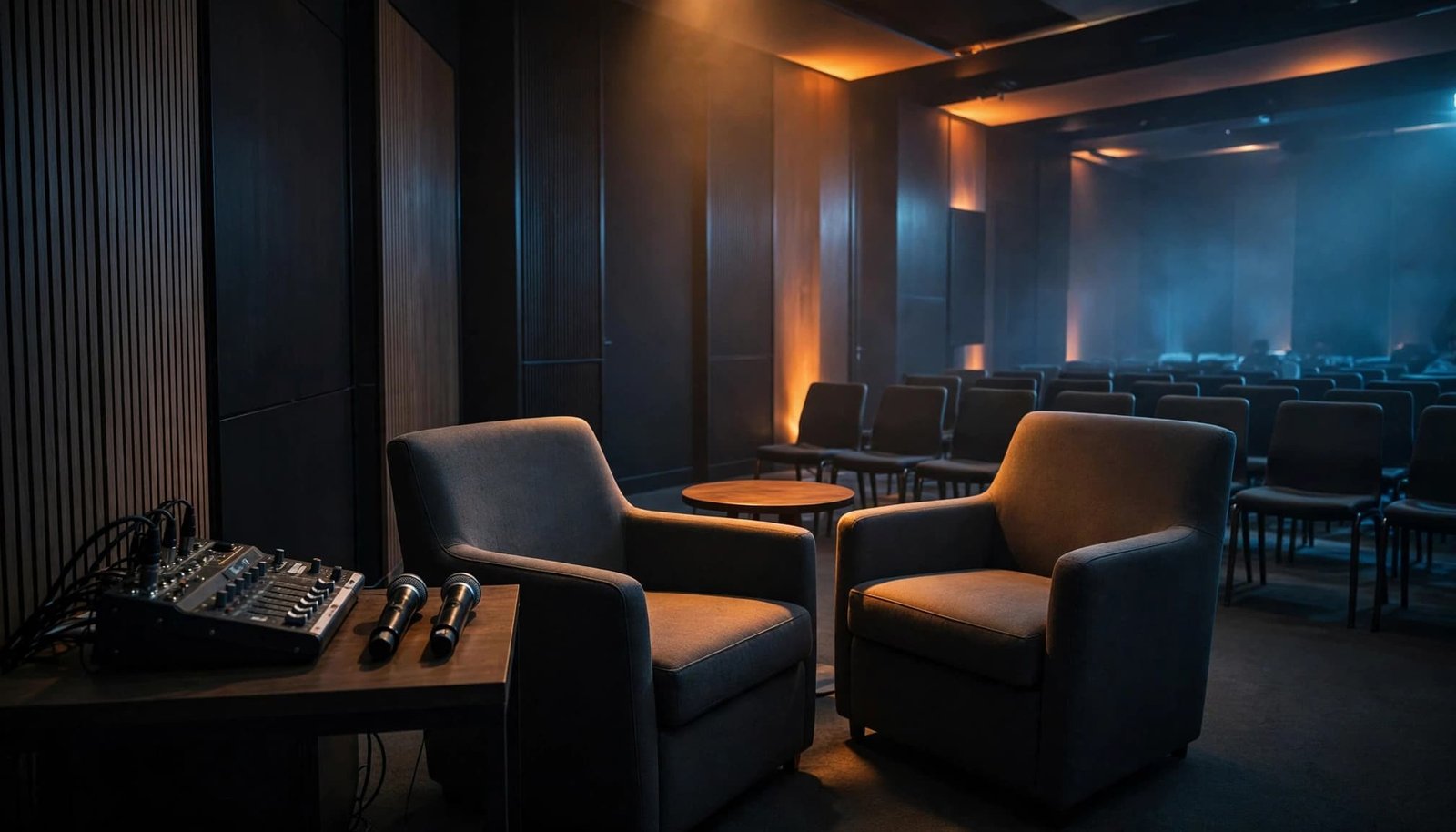
An experienced DJ still needs a room plan. Stage position, seating, speaker placement, power, and cable routes all affect what guests hear and see.
Walk the Room Before Choosing Equipment
Check where the panelists will sit and whether speakers or screens block anyone’s view. Ask about venue sound limits, available power, setup access, and rules for protecting cables across walkways. Keep exits and service paths clear.
Event lighting can help guests focus on the conversation and help cameras see faces. Confirm whether the venue, DJ, or AV provider is responsible for it. DJ Steve Neff Entertainment LLC’s event sound and lighting services include options such as wireless microphones and LED uplighting; the final setup should match the room and program.
Test the Complete Program
A sound check should cover more than one person saying a few words. Run the opening announcement, each speaker microphone, audience Q&A, walk-on music, and any video audio. Test the actual playback device planned for the event.
Keep a backup microphone and necessary batteries or cables available through the responsible audio team. Agree on who calls a hold if equipment fails. A short pause with a clear plan is better than asking a speaker to continue unheard.
Compare Quotes and Book for the Full Scope
Pricing for corporate events depends on more than performance time. A panel at a company function may require an early setup, a rehearsal, multiple microphones, separate reception music, or coordination with another AV provider. A broader business function may need additional coverage, so ask for an itemized proposal rather than comparing headline prices alone.
| Quote item | What to confirm |
|---|---|
| Time | Setup, rehearsal, guest arrival, program, breakdown, and overtime terms |
| People | DJ, MC, audio operator, and any separate AV staffing |
| Equipment | Microphones, room sound, playback connections, lighting, and backups |
| Logistics | Travel, venue access, power, insurance requirements, and cancellation terms |
| Other vendors | Which provider supplies any photo booth for a broader event |
The lowest quote may cover a different job. Compare proposals from professional DJs against the same run of show, then confirm which provider owns each piece of equipment and each live cue.
Ask About Reliability Before Signing
Discuss the replacement plan if the assigned DJ becomes unavailable. Ask who holds the final timeline, how schedule changes are communicated, and what backup equipment will be on site. Get these details into the written agreement where applicable.
For a gala or executive event, confirm attire as well. “Professional” can mean business attire to one team and formalwear to another. A brief dress-code note prevents an avoidable mismatch.
Allow Time for Planning
Book as soon as the date, venue, and program format are firm enough to describe the work. Busy holiday dates, an awards ceremony, team building events, and corporate retreats with several production partners deserve more lead time than a small meeting.
Steve Neff and business partner Jon Turgeon run DJ Steve Neff Entertainment LLC, with professional DJ experience dating back to 1999. If you’re planning a New Hampshire event, you can request a tailored DJ package based on the schedule, sound needs, lighting, and venue.
A Practical Pre-Event Checklist
Event planners should share one current run of show with the planner, host, DJ, venue contact, and AV lead. Then work through these checks in order:
- Confirm the speaker list, seating plan, audience Q&A format, names, and pronunciations.
- Assign an owner to every introduction, music cue, microphone handoff, video, and schedule change.
- Approve the music direction, walk-on start points, announcement wording, and request policy.
- Check venue access, power, cable routes, lighting, and responsibilities for all equipment.
- Rehearse the opening and major handoffs, then listen to speech from guest seating areas.
Keep a printed copy near the production position. If plans change, one lead contact should update everyone working the show.
Key Takeaways
- Put speech clarity first; choose microphones and room sound around the speakers and audience.
- Define the DJ, MC, and AV roles before booking, then give every important cue an owner.
- Plan music by moment: welcoming for arrivals, brief for entrances, and out of the way during conversation.
- Compare written proposals by staffing, equipment, rehearsal time, backup plans, and venue requirements.
Frequently Asked Questions
Can a DJ provide sound and lighting for a panel?
Some corporate DJs provide microphones, room sound, and lighting; others work alongside a dedicated AV company. Ask for an equipment and staffing list, especially if the event includes slides, recording, or a livestream.
How far ahead should I book?
Reach out once you have a date, venue, and likely program format. More speakers, multiple rooms, holiday timing, or hybrid production call for earlier conversations because the technical plan takes longer to coordinate.
Should panel guests be able to request songs?
Requests are usually better suited to networking or a celebration after the discussion. Decide who approves them and whether the DJ offers an online request option. Keep formal-session music limited to agreed cues.
Keep the Focus on the Speakers
The audience should remember the conversation, not a microphone problem or an awkward handoff. Clear assignments, a complete sound check, and a flexible run of show give the DJ and production team what they need to support it.
When every cue has an owner, the discussion can hold the room’s attention.